NEWS

iOS 27 Rumored to Feature Keyboard Upgrade

04/02/2026

31

 iOS 27 Rumored to Feature Keyboard Upgrade


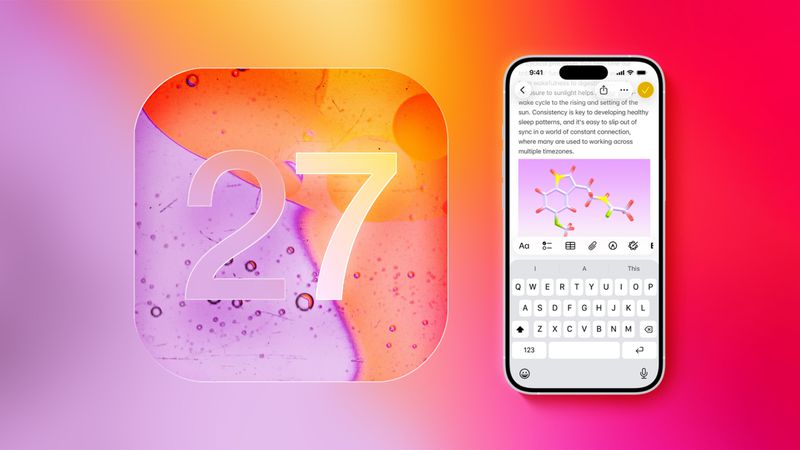
Apple has tested an updated iPhone keyboard with autocorrect enhancements, according to a report this week from Bloomberg's Mark Gurman.


The report said the keyboard "expands autocorrect by offering alternative words," similar to tools like Grammarly. "It suggests alternative words in addition to word fixes like today's autocorrect," said Gurman, in a follow-up social media post.


Grammarly evolved to use AI in recent years, so perhaps the iPhone keyboard's expanded autocorrect system would be powered by Apple Intelligence. The report did not provide any further details, so we will have to wait and see.


Gurman briefly touched on the keyboard plans in a report focused on how Siri may be able to handle multiple requests in a single query on iOS 27.


Apple has not made a final decision on whether to release the updated keyboard, according to Gurman, but it would presumably debut as part of iOS 27 as well if it does materialize. The first developer beta of iOS 27 is expected to be released in June, and the software update should be widely released in September.


iOS 26.4 already "improved keyboard accuracy when typing quickly," according to Apple's release notes for that update, released last week.


Source: Macrumors

Windows
Mac OS
iOS
Linux
3uTools
Win 64-bit For this device
V9.05 2026-03-28
Download
Win 32-bit For this device
V9.05 2026-03-28
Download
3uTools
Intel Chip How to Identify Chip Type
V9.03 2026-03-27
Download
Apple Silicon
V9.03 2026-03-27
Download
How to Identify Chip Type
1.  Click the Apple icon in the top-left corner of the screen and select About This Mac.
2.  Check the Processor or Chip field to determine if it is "Intel" or "Apple".
Please use the 3uTools PC client to install the iOS client:
1、 Install either the Windows or Mac version of 3uTools on your computer
2、 Open the PC client and connect your device to the computer via USB cable
3、 After the connection is successful, wait for the computer to automatically install the mobile app for the device, or locate “Install Mobile App” on the computer and manually click to install.
3uTools
deb file
V3.01 2025-11-20
Download
rpm file
V3.01 2025-11-20
Download
Windows
Windows
iOS
iOS
Android
Android
TV
TV
3uAirPlayer
Win 64-bit For this device
V6.0.3 2026-03-11
Download
Win 32-bit For this device
V6.0.3 2026-03-11
Download
iOS Device Mirroring (No App Required)
1、 Install 3uAirPlayer on the Windows PC
2、 Open Control Center and select Screen Mirroring
3、 From the list, choose your PC to start mirroring
4、 Or connect your iOS device to the PC via USB to begin mirroring
Scan to get "3uAirPlayer" App
3uAirPlayer TV V1.0.18
2025-11-28
TV System Requirements: Android 7.0 or later
Download the TV installation package, copy it to a USB drive, insert it into your TV or set-top box, then select the file from the home screen to install.