
NEWS

MacBook Neo Availability Continues to Tighten Ahead of Launch

03/10/2026

27

If you want a MacBook Neo for delivery on Wednesday, March 11 launch day, but have yet to place an order, you might be out of luck.
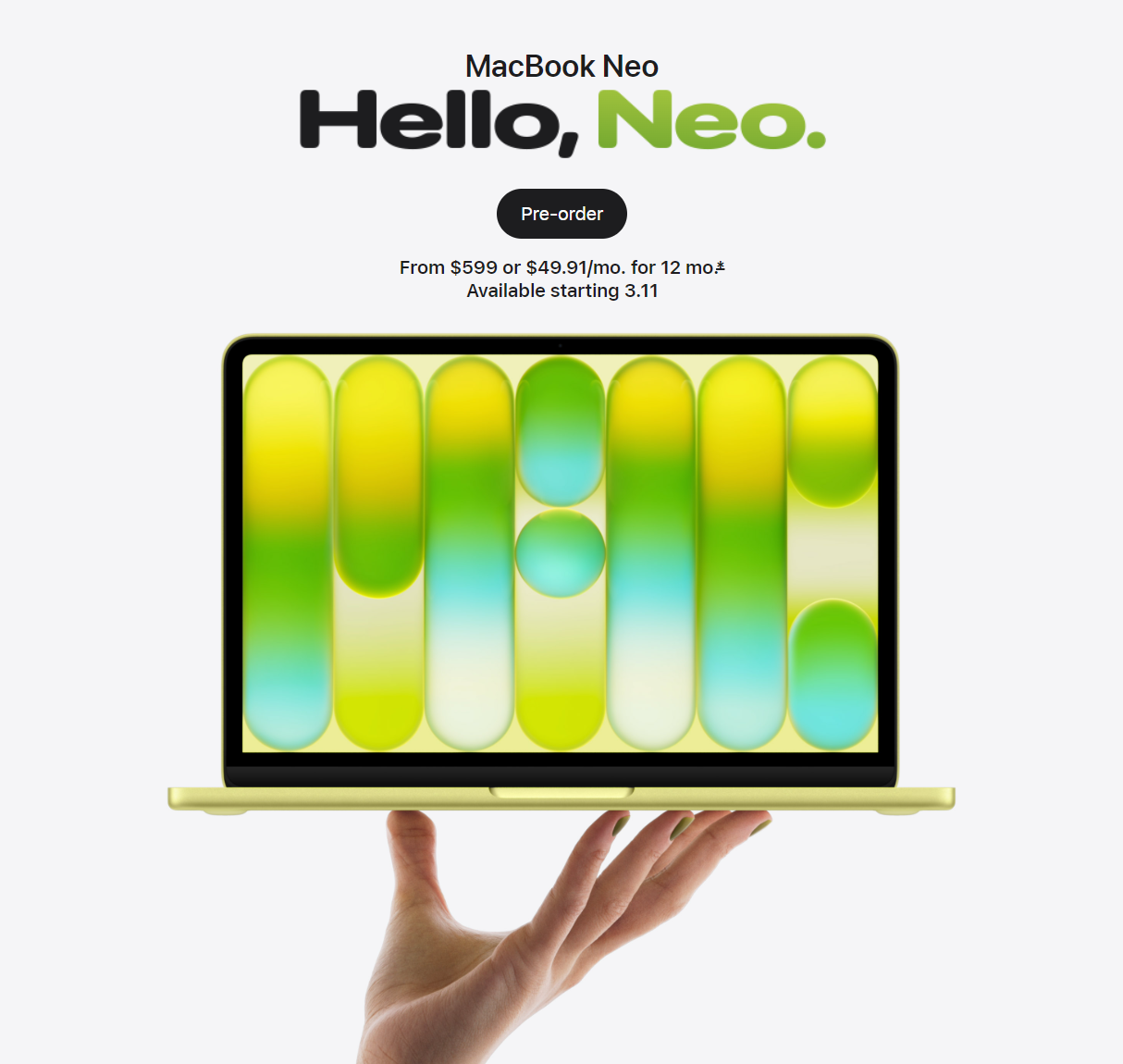
MacBook Neo Availability Continues to Tighten Ahead of Launch

MacBook Neo pre-orders began March 4, and the initial delivery date was March 11. But now, Apple's online store in the U.S. shows that MacBook Neo orders placed today are estimated to be delivered between March 17 and March 31.

Here are the estimated delivery dates for each configuration as of 5:45 p.m. Eastern Time:

  • 256GB/Blush: March 24 — March 31
  • 256GB/Citrus: March 17 — March 24
  • 256GB/Indigo: March 17 — March 24
  • 256GB/Silver: March 24 — March 31
  • 512GB/Blush: March 24 — March 31
  • 512GB/Citrus: March 24 — March 31
  • 512GB/Indigo: March 24 — March 31
  • 512GB/Silver: March 17 — March 24

Fortunately, Apple Store pickup is still an option for some configurations on launch day.

Without knowing how much supply there is for each configuration, it is hard to draw any conclusions from the delivery dates listed above, but it is clear that it is getting harder and harder to find a MacBook Neo for launch day. Given the laptop starts at just $599, or an even lower $499 for college students, that should not come as too much of a surprise.

Source: Macrumors

Windows
Mac OS
iOS
Linux
3uTools
Win 64-bit For this device
V9.02 2026-02-10
Download
Win 32-bit For this device
V9.02 2026-02-10
Download
3uTools
Intel Chip How to Identify Chip Type
V9.01 2025-12-31
Download
Apple Silicon
V9.01 2025-12-31
Download
How to Identify Chip Type
1.  Click the Apple icon in the top-left corner of the screen and select About This Mac.
2.  Check the Processor or Chip field to determine if it is "Intel" or "Apple".
Please use the 3uTools PC client to install the iOS client:
1、 Install either the Windows or Mac version of 3uTools on your computer
2、 Open the PC client and connect your device to the computer via USB cable
3、 After the connection is successful, wait for the computer to automatically install the mobile app for the device, or locate “Install Mobile App” on the computer and manually click to install.
3uTools
deb file
V3.01 2025-11-20
Download
rpm file
V3.01 2025-11-20
Download
Windows
Windows
iOS
iOS
Android
Android
TV
TV
3uAirPlayer
Win 64-bit For this device
V6.0.2 2025-11-19
Download
Win 32-bit For this device
V6.0.2 2025-11-19
Download
iOS Device Mirroring (No App Required)
1、 Install 3uAirPlayer on the Windows PC
2、 Open Control Center and select Screen Mirroring
3、 From the list, choose your PC to start mirroring
4、 Or connect your iOS device to the PC via USB to begin mirroring
Scan to get "3uAirPlayer" App
3uAirPlayer TV V1.0.18
2025-11-28
TV System Requirements: Android 7.0 or later
Download the TV installation package, copy it to a USB drive, insert it into your TV or set-top box, then select the file from the home screen to install.




