 NEWS
NEWS
Apple’s New iPhone 17e Is Now Available for Pre-order
 03/05/2026
 3744
3744
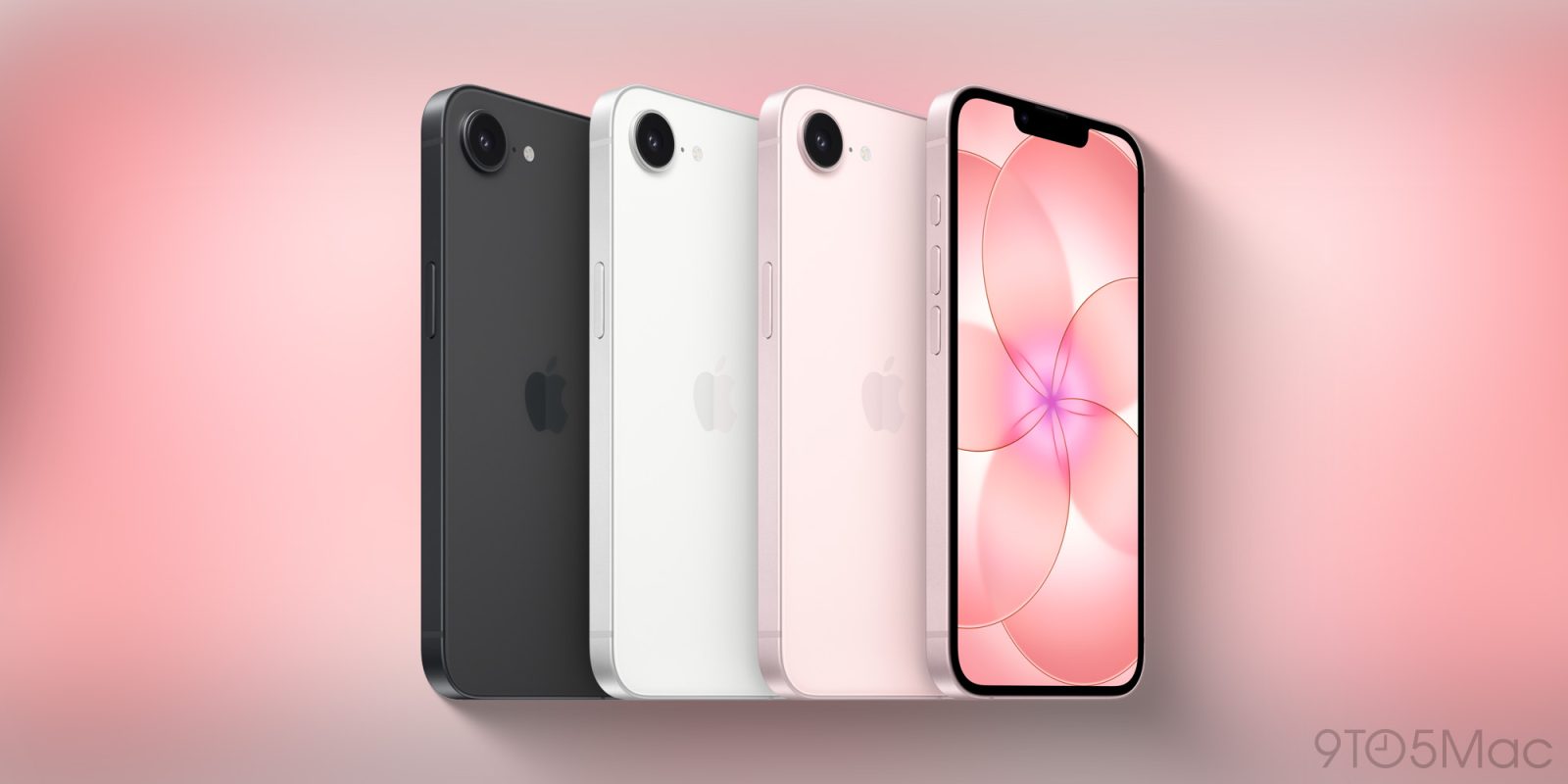
Apple’s has opened up pre-orders for the newest member of the iPhone 17 lineup. The iPhone 17e is now available to purchase after first being announced on Monday. Apple will officially release the latest iPhone on Wednesday, March 11.
iPhone 17e features 2x storage, faster performance, magic of MagSafe
Compared to iPhone 16e, the new iPhone 17e features faster performance with Apple’s A19 chip and C1X modem, next-generation portrait photography with Focus and Depth Control, 3x better scratch resistance with Ceramic Shield 2 front glass, and MagSafe support with 2x faster wireless charging.
iPhone 17e starts at $599 for 256GB storage, doubling the base storage compared to the iPhone 16e. Customers who need more local storage can choose the 512GB model for $799, a $100 price decrease for the same amount of storage on the iPhone 16e.
iPhone 17e is available in three colors: black, white, and a new soft pink.
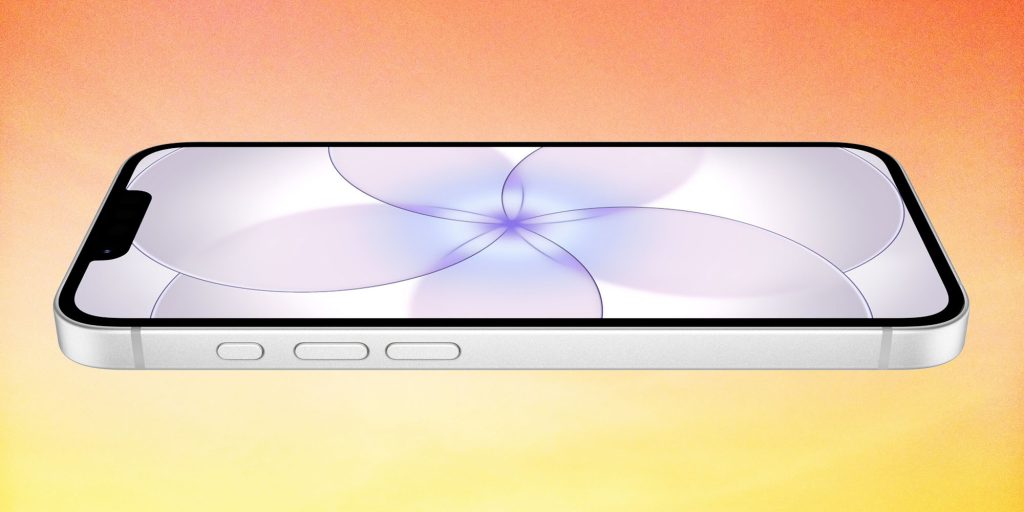
Protect your new iPhone 17e
Apple sells three case options for iPhone 17e: iPhone 17e Silicone Case with MagSafe ($49), iPhone 17e Clear Case with MagSafe ($49), and Beats iPhone 17e Case with MagSafe ($45). The iPhone 17e Silicone Case with MagSafe features lanyard cutouts for Apple’s Crossbody Strap accessory or other lanyards.
Now with MagSafe support, iPhone 17e is also compatible with Apple’s FineWoven Wallet, and you can unlock fast-charging with Apple’s 20W USB-C power adapter to get 50% battery in just 30 minutes.
The new iPhone 17e replaces the iPhone 16e that Apple introduced a year ago. Apple still sells the iPhone 16 and iPhone 16 Plus.
Source: 9to5mac










