 NEWS
NEWS
8+ New iPhone Features Coming Soon, Thanks to Google Gemini
 01/21/2026
 1135
1135
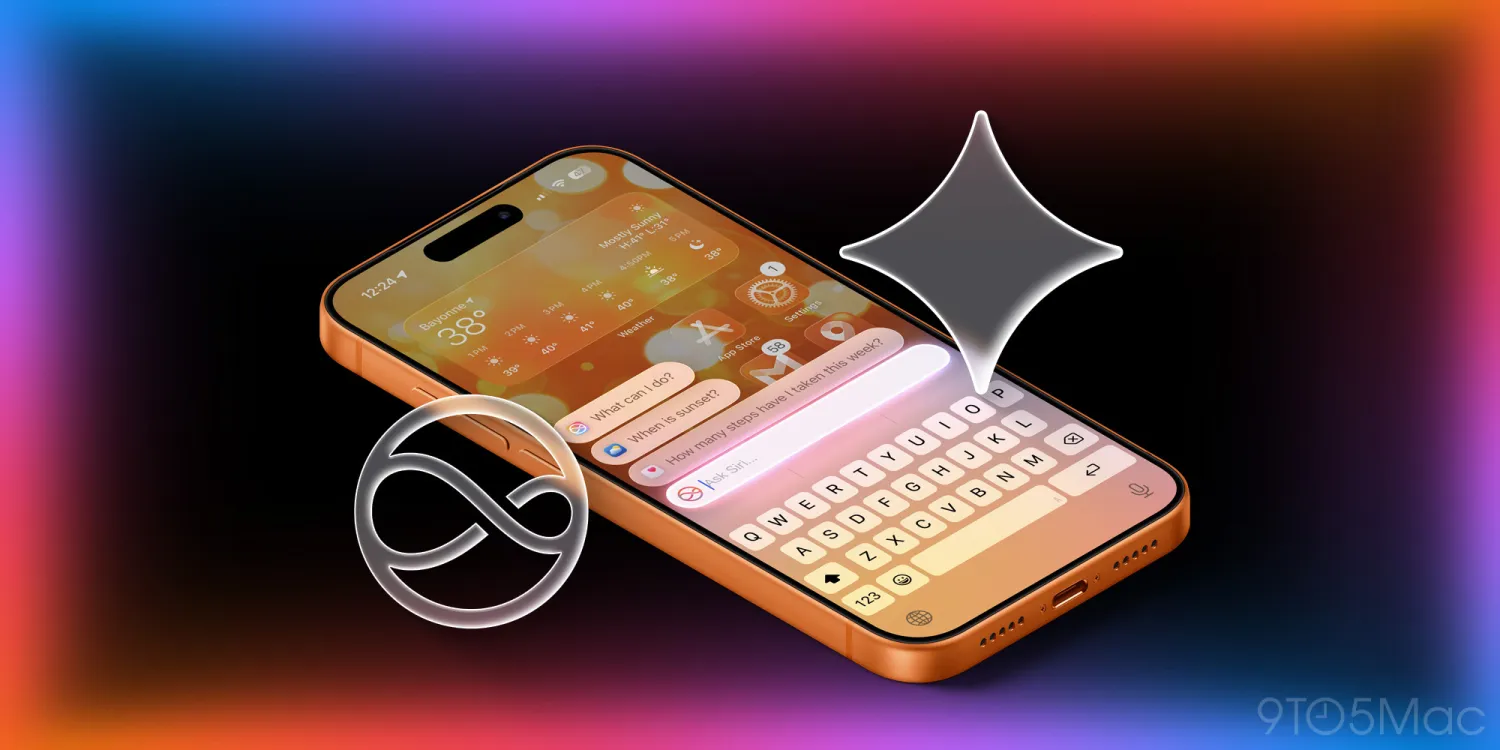
Last week, Apple officially announced that it is turning to Google to power new Apple Intelligence features coming to iPhone as soon as this year. Here’s a look at what features are coming soon.
New iPhone features coming soon
While Apple hasn’t confirmed which Apple Intelligence and Siri features will use Google’s Gemini models, this is what we know based on rumors.
A report from The Information outlined several new features for Siri that will be powered by Gemini models. According to the report, iPhone users can expect a revamped version of Siri that can do the following things:
- Provide better emotional support when a user says they are “feeling lonely or disheartened.”
- Offer more accurate world knowledge and factual answers with a “conversational answer” similar to ChatGPT and Gemini chatbots.
- Perform tasks such as creating a document in Apple Notes about a specific subject.
- Perform more personal tasks like booking travel.
- Handle situations where Siri doesn’t clearly understand the user’s question or request.
- Tell stories.
The report also outlined Siri’s features coming as part of iOS 27, which will be announced at WWDC in June:
- The ability to remember past conversations.
- Proactive features, such as one to suggest when to leave to pick up a friend at an airport and avoid traffic.
Google Gemini models will also be used to power the Apple Intelligence features Apple first announced at WWDC 2023. These features were slated to be included in iOS 18, but were delayed.
- Personal context: Siri will use information on your device to help you find what you’re looking for, such as locating a text or email.
- On-screen awareness: Siri will nbc able to take action with things on your screen.
- In-app actions: Make requests to take action in specific apps.
The first Gemini-based iPhone features are reportedly on track to ship as part of iOS 26.4, which will enter beta testing next month.
Source: 9to5mac










