 NEWS
NEWS
iOS 26.3 Beta 2 Hints at Upcoming End-To-End Encryption for RCS Messages
 01/13/2026
 1455
1455
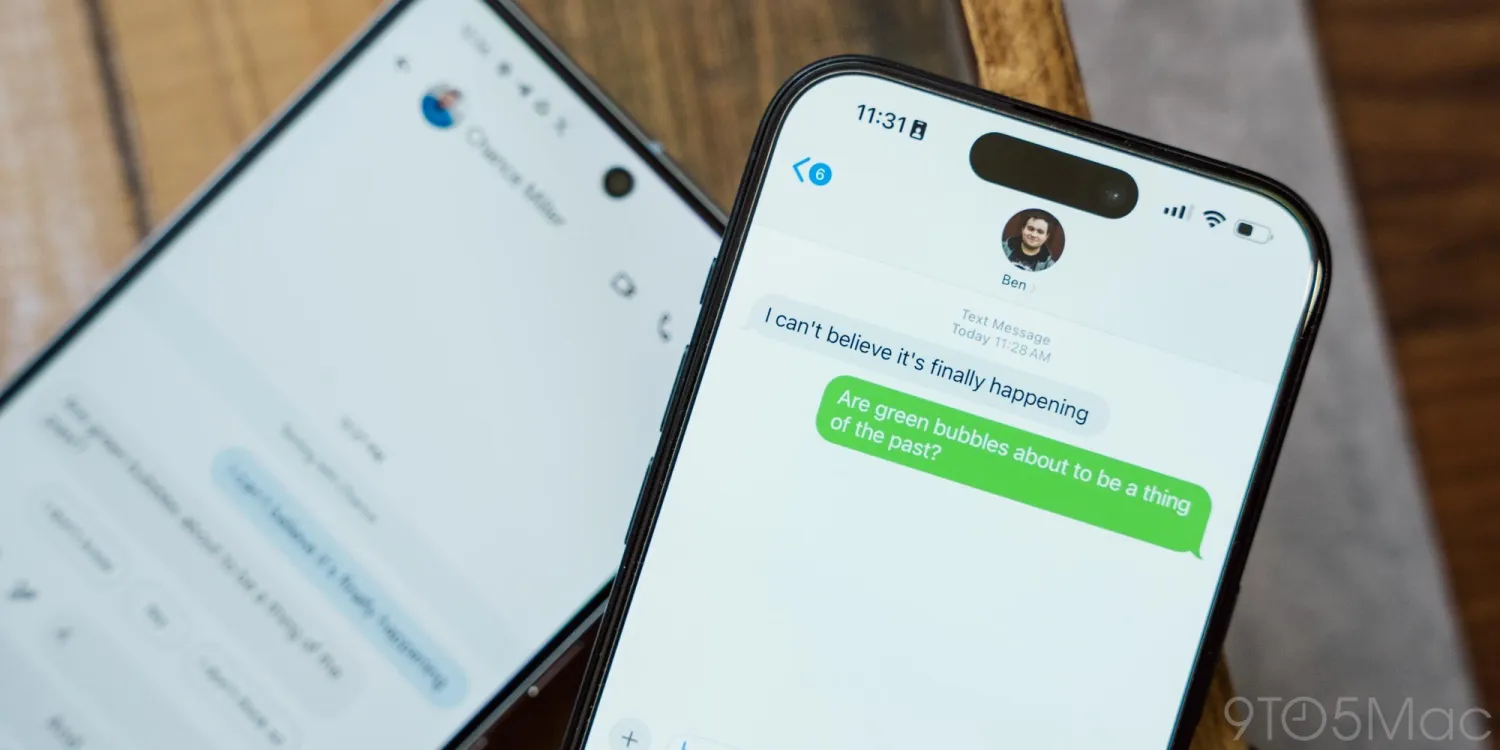
Last March, Apple announced plans to support end-to-end encryption (E2EE) for RCS messages, following the standardization of the feature by the GSM Association. After nearly a year of silence on that front, today’s betas suggest that Apple is moving closer to rolling it out.
Feature is mandatory, except where prohibited by local regulations
As spotted by Tiino-X83 on X, iOS 26.3 beta 2 contains references to a new carrier bundle setting that would allow carriers to enable or disable E2EE for RCS messages.
Interestingly, Tiino-X83 also noted that “only the four main French carriers (Bouygues, Orange, SFR and Free) have this line of code,” and that “no other carrier, regardless of the country” he checked, had it.
●Par contre, c’est très bizarre, seuls les quatre principaux opérateurs français (Bouygues, Orange, SFR et Free) ont cette ligne de code !
●Aucun autre opérateur, quel que soit le pays que j’ai regardé, n’a cette ligne de code
●Poke @aaronp613
●— Tiino-X83 (@TiinoX83) January 12, 2026
While the GSMA’s documentation states that RCS clients must enable E2EE by default, this default can be restricted by local regulations:
●R5-43-1 RCS clients shall enable E2EE by default unless expressly prohibited by local regulations.
●R5-43-1-1 The RCS client provider shall enable or disable E2EE for all their users in a market of operation.
●R5-43-1-2 The RCS client provider shall not enable or disable E2EE for a subset of users, or for individual users in a market of operation.
●R5-43-1-3 If E2EE is disabled, the user shall be informed that E2EE is not available in their market of operation. R5-43-2 All User Initiated Content shall be end-to-end encrypted, excluding “Is Typing” Notifications
Furthermore, if E2EE is active, the GSMA standard requires that the user be able to see the encryption status. The carrier bundle setting discovered in the iOS 26.3 beta could serve as a toggle for these requirements.
It is worth noting that it is not yet guaranteed that the feature will arrive with iOS 26.3, as Apple could just be laying the groundwork for a future iOS version that will enable it.
Still, the fact that the code is now there suggests that support could land sooner rather than later.
Source: 9to5mac










