 NEWS
NEWS
Apple Card Will Move From Goldman Sachs to JPMorgan Chase
 01/08/2026
 1339
1339
JPMorgan Chase has reached a deal to take over operation of the Apple Card, reports The Wall Street Journal. Barring any "last minute hiccups," the deal should be announced shortly after over a year of negotiations.
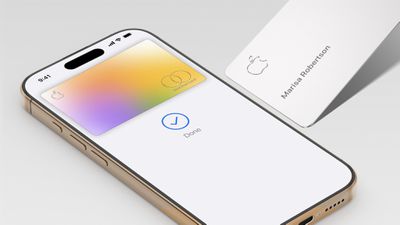
Reports began circulating over two years ago that current Apple Card issuer Goldman Sachs was looking to end its partnership with Apple as part of an effort to scale back on consumer banking products amid steep losses.
According to The Wall Street Journal, Goldman Sachs is unloading its roughly $20 billion of outstanding Apple Card balances at a discount of more than $1 billion, a rare move for co-branded account deals like this. But higher-than-average delinquency rates and high exposure to subprime borrowers made it more difficult for Goldman Sachs to find a buyer.
JPMorgan Chase's interest in taking over as Apple Card issuer was reported over a year ago, and by this past summer Chase appeared to be the front-runner.
Alongside its new Apple Card partnership, JPMorgan Chase will reportedly launch a new Apple savings account, but existing users with Apple savings accounts at Goldman Sachs will not be automatically transitioned and will need to decide whether they want to stay at Goldman Sachs or open new accounts with Chase.
Update 2:27 pm: Apple has officially announced the change to Chase, with the transition expected to occur in approximately 24 months. Apple Card will remain on the Mastercard network following the shift.
"We're incredibly proud of how Apple Card has transformed the credit card experience for customers by delivering innovative tools that empower users to make healthier financial decisions," said Jennifer Bailey, Apple's vice president of Apple Pay and Apple Wallet. "Chase shares our commitment to innovation and delivering products and services that enhance consumers' lives. We look forward to working together to continue to provide a best-in-class experience and exceptional customer service with Apple Card."
Apple has also posted an FAQ about the transition.
Source: Macrumors










