 NEWS
NEWS
Low-Price 12.9-Inch MacBook With A18 Pro Chip Reportedly Launching Early This Year
 01/04/2026
 1376
1376
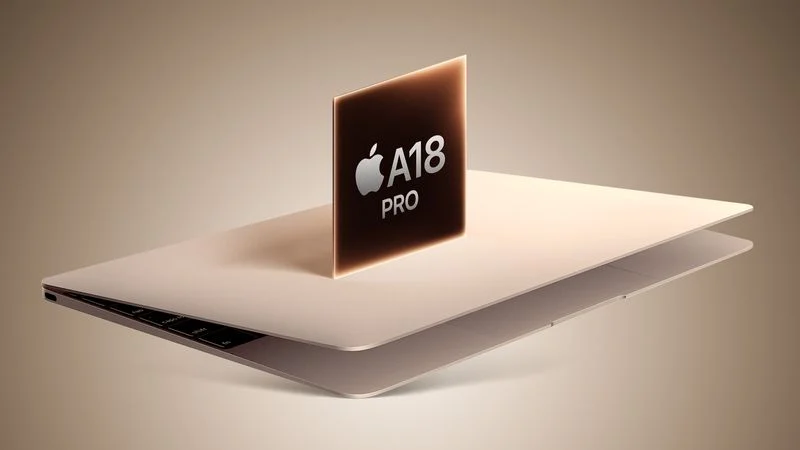
Apple plans to introduce a 12.9-inch MacBook in spring 2026, according to TrendForce.
In a press release this week, the Taiwanese research firm said this MacBook will be aimed at the entry-level to mid-range market, with "competitive pricing."
TrendForce did not share any further details about this MacBook, but the information that it shared lines up with several rumors about a more affordable MacBook, which is expected to be equipped with a version of the iPhone 16 Pro's A18 Pro chip. Apple is expected to release the laptop by March or April of this year.
In the U.S., the entry-level MacBook is expected to have a starting price between $599 and $899, with $699 or $799 being most likely. It would slot in below the MacBook Air, which starts at $999 (but is frequently on sale on Amazon for as low as $749).
A18 Pro specs include a 6-core CPU, a 6-core GPU, and a 16-core Neural Engine. The chip's performance is similar to the M1 chip, so this new MacBook could effectively be a replacement for the old MacBook Air with the M1 chip, which Apple still sells through Walmart for $599 and even as low as $549 during a recent Black Friday sale.
With an A18 Pro chip, this MacBook might have only 8GB of RAM, whereas all current MacBook Air and MacBook Pro models start with at least 16GB of RAM. The chip also lacks Thunderbolt support, so the new MacBook would likely be equipped with regular USB-C ports, with slower data transfer speeds and external display limitations.
Apple supply chain analyst Ming-Chi Kuo was first to reveal that Apple is allegedly planning a more affordable MacBook. In June, he said the laptop will have around a 13-inch display, and the A18 Pro chip. Kuo said potential color options include silver, blue, pink, and yellow, so it could come in bright colors like the iMac.
Taiwanese supply chain publication DigiTimes later exclusively reported that this MacBook will be equipped with a 12.9-inch display like some current or past iPad Air and iPad Pro models, whereas the MacBook Air has a slightly larger 13.6-inch display.
TrendForce appears to be siding with the 12.9-inch display size.
The lower-cost MacBook could have a lot in common with the discontinued 12-inch MacBook, including an ultra-thin and lightweight design. Hopefully, it is announced within the next few months, following endless rumors from several sources.
Source: Macrumors










