 NEWS
NEWS
Apple AirTag 2: Four New Features Found in iOS 26 Code
 12/12/2025
 1260
1260
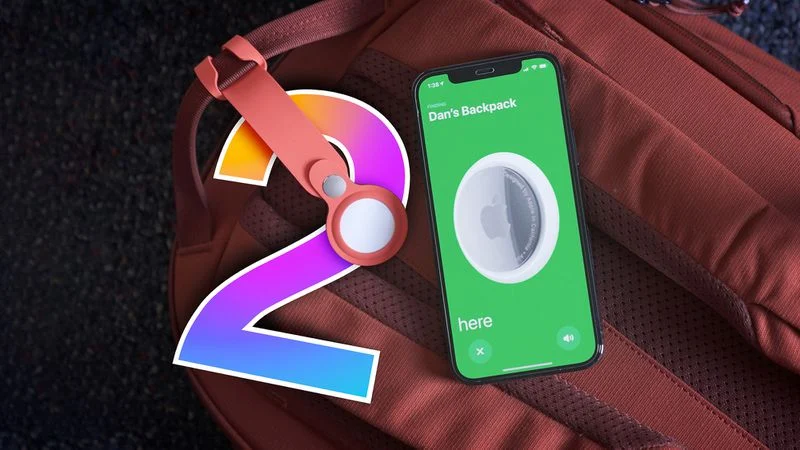
The AirTag 2 will include a handful of new features that will improve tracking capabilities, according to a new report from Macworld. The site says that it was able to access an internal build of iOS 26, which includes references to multiple unreleased products.
Here's what's supposedly coming:
●An improved pairing process, though no details were provided. AirTag pairing is already fairly simple, but there's room for improvement with the naming and emoji selection.
●Detailed battery level reporting.
●An "Improved Moving" feature that Macworld speculates will allow users to find the precise location of an AirTag when it's moving. Precision Finding in the current AirTag can't handle movement well.
●A feature for improving tracking in crowded places.
We've been hearing rumors about a new version of the AirTag for years now, and it's supposedly getting upgraded tracking with a new Ultra Wideband chip. The new chip will improve Precision Finding range, and it could also add these new tracking capabilities.
So far, there have been no rumors of a redesign, so the AirTag 2 will presumably look like the original AirTag. It will continue to feature a replaceable battery, though it could also get upgraded speakers that are harder to remove.
The AirTag is apparently labeled "2025AirTag" in the iOS 26 code, which suggests that Apple might have been planning to release it in 2025. At this point, it's not clear when it will launch, but it's looking like we might get it in early 2026.
Macworld also spotted signs of the next-generation HomePod mini with S10 chip, a smarter version of Siri, and references to the home hub device that Apple is working on. We've previously seen extensive rumors about all of these products, and rumors suggest we'll see them around the March or April timeframe.
Source: Macrumors










