
NEWS

New Apple Studio Display Rumored to Upgrade Three Key Features

12/11/2025

143

New Apple Studio Display Rumored to Upgrade Three Key Features


Rumors have long indicated that there’s a new Apple Studio Display launching in 2026, and a new report highlights three expected features: an A19 chip, ProMotion, and HDR.

The next Apple Studio Display may feature A19 chip, ProMotion, and HDR support
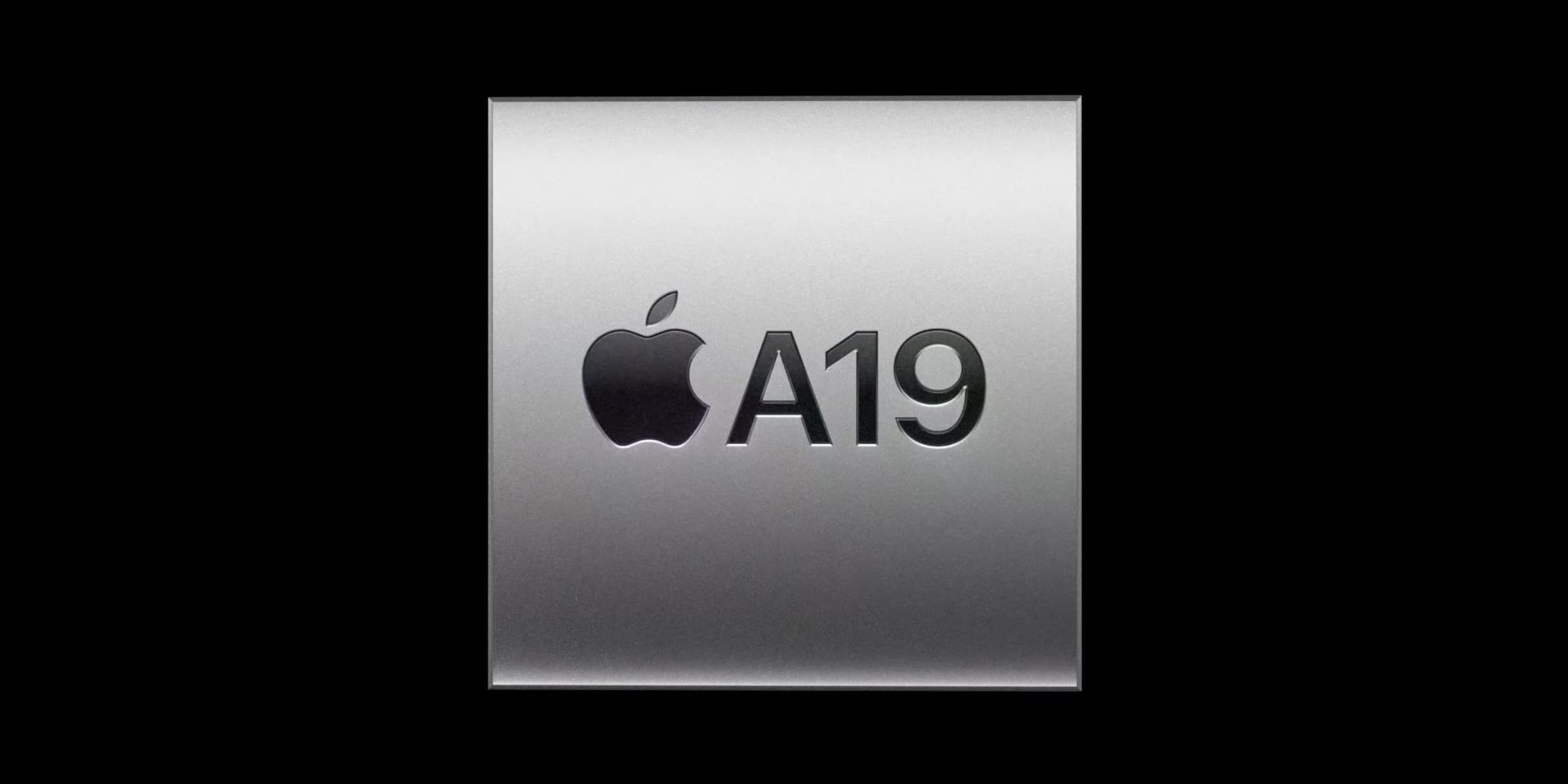
New Apple Studio Display Rumored to Upgrade Three Key Features

Filipe Espósito has published a new report at Macworld today about Apple’s forthcoming Studio Display upgrade.

Based on code findings, the report highlights three new Studio Display features:

1. A19 chip

2. ProMotion 120Hz refresh rate

3. HDR support

Espósito says that HDR in particular is “a strong indication that Apple will replace the LCD panel with better technology, such as Mini-LED that can achieve higher brightness levels.”

The current Apple Studio Display features an A13 Bionic chip, 60Hz refresh rate, and SDR only.

So even if Apple changes nothing else about the display, these three upgrades alone will make for a strong revision.

The latest rumors indicate Apple’s new Studio Display will launch in 2026. The likeliest timing seems either: alongside high-end M5 MacBook Pro models early in the year, or slightly later with the M5 Mac Studio and Mac mini.

Bloomberg has also reported that a second Mac display is coming next year too, though no details are currently known. It could be a Pro Display XDR successor, or perhaps a second size option for the Studio Display.

On a related note, the same code leak seems to indicate Apple has an iPad with A19 chip and N1 coming next year too, alongside the previously-reported M4 iPad Air.

Source: 9to5mac

Windows
Mac OS
iOS
Linux
3uTools
Win 64-bit For this device
V9.0 2025-11-11
Download
Win 32-bit For this device
V9.0 2025-11-11
Download
3uTools
Intel Chip How to Identify Chip Type
V9.0 2025-12-02
Download
Apple Silicon
V9.0 2025-12-02
Download
How to Identify Chip Type
1.  Click the Apple icon in the top-left corner of the screen and select About This Mac.
2.  Check the Processor or Chip field to determine if it is "Intel" or "Apple".
Please use the 3uTools PC client to install the iOS client:
1、 Install either the Windows or Mac version of 3uTools on your computer
2、 Open the PC client and connect your device to the computer via USB cable
3、 After the connection is successful, wait for the computer to automatically install the mobile app for the device, or locate “Install Mobile App” on the computer and manually click to install.
3uTools
deb file
V3.01 2025-11-20
Download
rpm file
V3.01 2025-11-20
Download
Windows
Windows
iOS
iOS
Android
Android
TV
TV
3uAirPlayer
Win 64-bit For this device
V6.0.2 2025-11-19
Download
Win 32-bit For this device
V6.0.2 2025-11-19
Download
iOS Device Mirroring (No App Required)
1、 Install 3uAirPlayer on the Windows PC
2、 Open Control Center and select Screen Mirroring
3、 From the list, choose your PC to start mirroring
4、 Or connect your iOS device to the PC via USB to begin mirroring
Scan to get "3uAirPlayer" App
3uAirPlayer TV V1.0.18
2025-11-28
TV System Requirements: Android 7.0 or later
Download the TV installation package, copy it to a USB drive, insert it into your TV or set-top box, then select the file from the home screen to install.




