 NEWS
NEWS
Apple Glasses Could Be Next Year’s Most Attention-Grabbing Product
 12/02/2025
 1260
1260
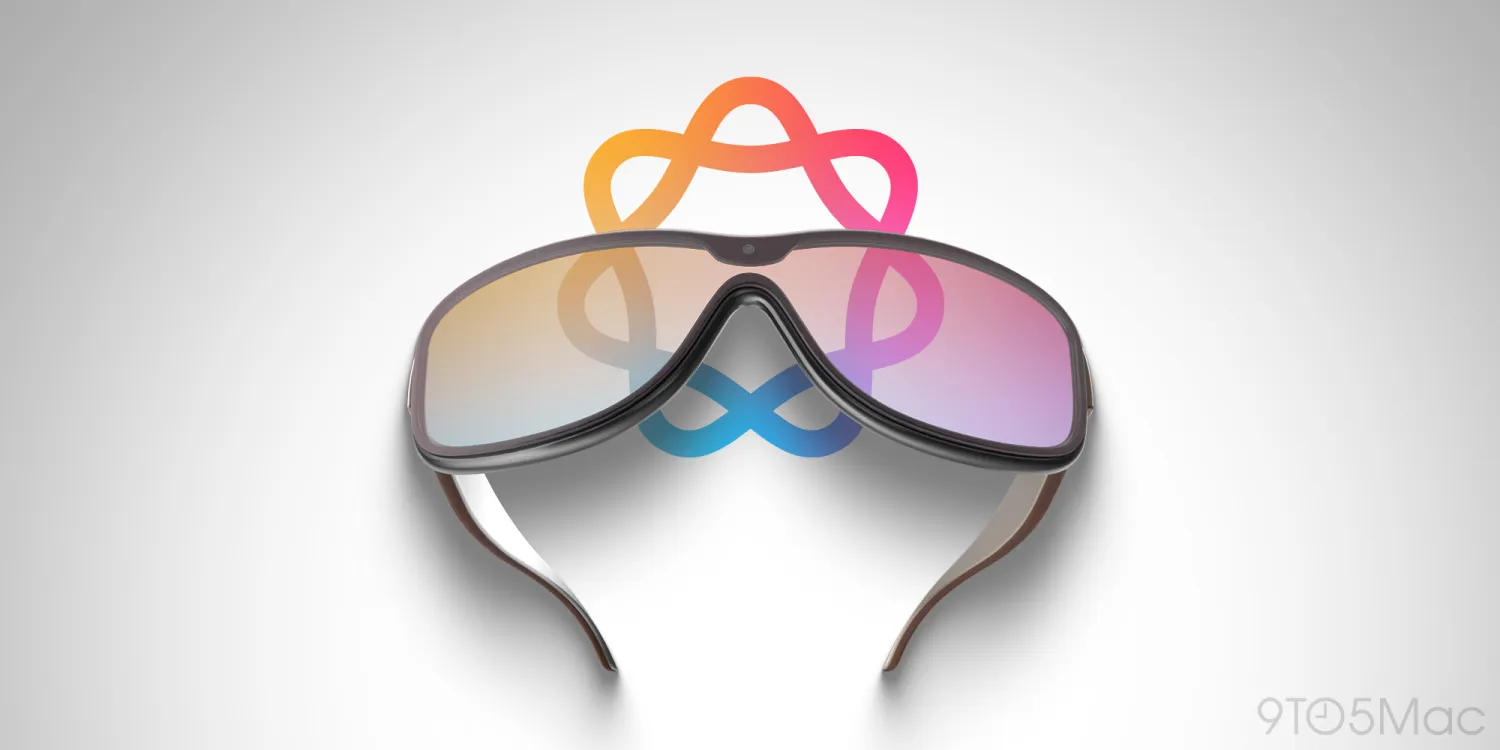
Apple has plenty of software and service launches coming in December, but new hardware products likely won’t arrive until next year. Among the company’s rumored 2026 products, there’s one that’s sure to earn a lot of attention: Apple Glasses.
Glasses rumored to be unveiled in 2026 as Apple’s latest new product category
It’s not often that Apple launches products in entirely new categories.
Every year the company launches a bunch of new hardware, but typically we get updated iPhones, iPads, Macs, and products in other existing lines.
The last “brand new” product category we got was Apple Vision Pro.
But rumors indicate another all-new debut could happen in 2026: Apple Glasses (or ‘Apple Vision,’ as it may be called).
Though the product may not actually ship until 2027, Bloomberg reports that Apple Glasses could get unveiled this year as a sneak preview.
This advanced unveiling tends to happen with brand new product categories. For example, Vision Pro and Apple Watch both debuted more than half a year before shipping.
The introduction of a brand new product category will itself merit a lot of buzz. But Apple Glasses could be especially attention-worthy for two additional reasons:
1.Making smart glasses more mainstream
2.Apple’s first AI-centric new product
Apple might make smart glasses more mainstream
Smart glasses are increasing in popularity, but they’re still in their early days. Ray-Ban Meta are a current leader in the market, but they remain a niche, early adopter product.
But Apple launching smart glasses could do a lot to make the category more mainstream.
The company’s track record in this area is strong. The iPod, iPad, and Apple Watch all arrived not as the “first” product in their respective categories. But they did help make those categories far more successful.
Apple Glasses could do the same—though it’s no guarantee. The product could follow the path of Apple Vision Pro, which hasn’t made as big an impact on the VR market as expected.
I have a strong suspicion things will be different with Glasses. Having a much lower price point, comfortable form factor, and being marketed as an iPhone accessory will all help.
Regardless of its actual success though, the existence of Apple Glasses will raise significant awareness around the smart glasses category.
Apple Glasses will be the company’s first AI-centric product
Apple might make smart glasses more mainstream
Apple has been saying that new iPhones, iPads, and Macs are “built for Apple Intelligence” for a couple years now. But Glasses will be heavily dependent on Siri and AI features unlike any other product—and it’s a hardware category that didn’t exist pre-AI.
The powerful AI upgrades coming to Siri soon will reportedly be a big part of the Apple Glasses experience.
Apple Glasses have a lot going for them. As a brand new category of product, with potential to take smart glasses mainstream, and as Apple’s first AI-centric debut, they merit a lot of attention.
The question is: will that attention translate into becoming a hit?
Source: 9to5mac










