 NEWS
NEWS
Your iPhone Battery Can Last Longer with This New iOS 26 Feature
 10/27/2025
 2012
2012
Battery life is easily one of the iPhone’s most important features. Whether you own an ultra-thin iPhone Air, battery beast iPhone 17 Pro Max, or some other model, iOS 26 recently introduced a new feature that can make your iPhone’s battery last longer: Adaptive Power.
Adaptive Power is a new iOS 26 setting to extend battery life

If your iPhone battery is getting low, iOS has long offered Low Power Mode as a helpful tool.
While I’ve heard of some users keeping Low Power Mode on all the time, that’s a pretty extreme option to stretch your iPhone’s battery life.
iOS 26 has a much more moderate solution.
Adaptive Power is a brand new battery setting that can ensure your iPhone lasts longer—particularly on the high-usage days.
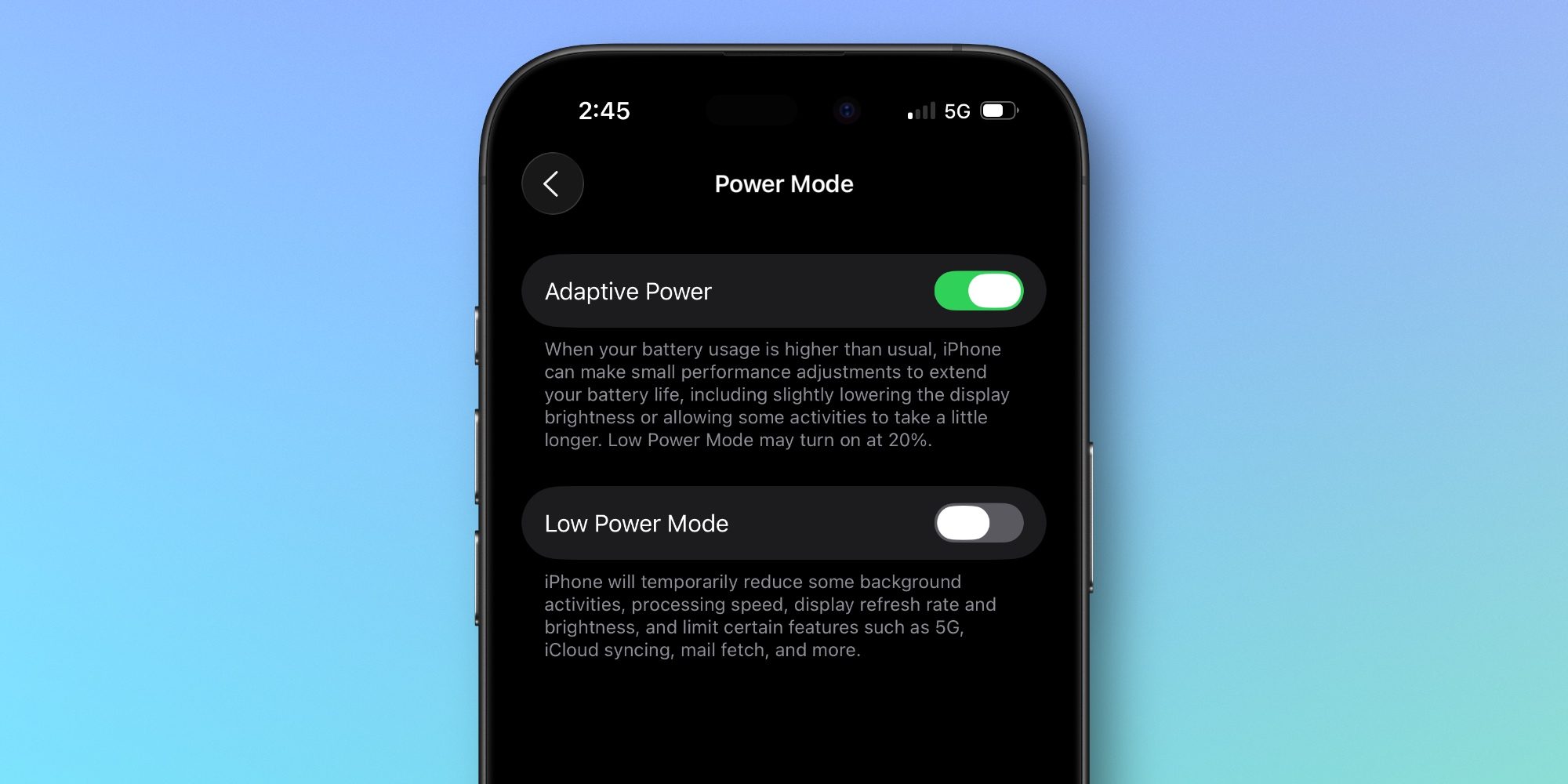
You can find it inside the Settings app’s Battery menu under ‘Power Mode.’
Unlike Low Power Mode, which deactivates lots of features and noticeably degrades your experience, Adaptive Power is all about making small battery gains with minimal impact on performance.
Here’s how Apple describes it:
When your battery usage is higher than usual, iPhone can make small performance adjustments to extend your battery life, including slightly lowering the display brightness or allowing some activities to take a little longer. Low Power Mode may turn on at 20%.
Essentially, on a “normal use” day, your iPhone’s battery and performance won’t necessarily be altered at all.
But when you‘re using your iPhone more than usual, Adaptive Power will kick in and make minor adjustments to help stretch your battery longer.
One caveat: even though Apple doesn’t market Adaptive Power as an AI feature, it technically has the same requirements as Apple Intelligence.
That means you’ll need an iPhone 17 or iPhone Air, iPhone 16, or an iPhone 15 Pro to use it.
Have you been using Adaptive Power in iOS 26? How’s it been working for you? Let us know in the comments.
Source: 9to5mac










