
NEWS

CarPlay Just Added Three New Features with iOS 18.4

04/27/2025

2261

CarPlay Just Added Three New Features with iOS 18.4


Even as CarPlay 2 work keeps chugging along, Apple has been slowly adding new features to the existing CarPlay too. Last fall CarPlay got some Apple Intelligence enhancements, and recently Ford EV owners gained NACS routing. Now, with iOS 18.4, there are three more new CarPlay features that just arrived.


#1: Third row of app icons
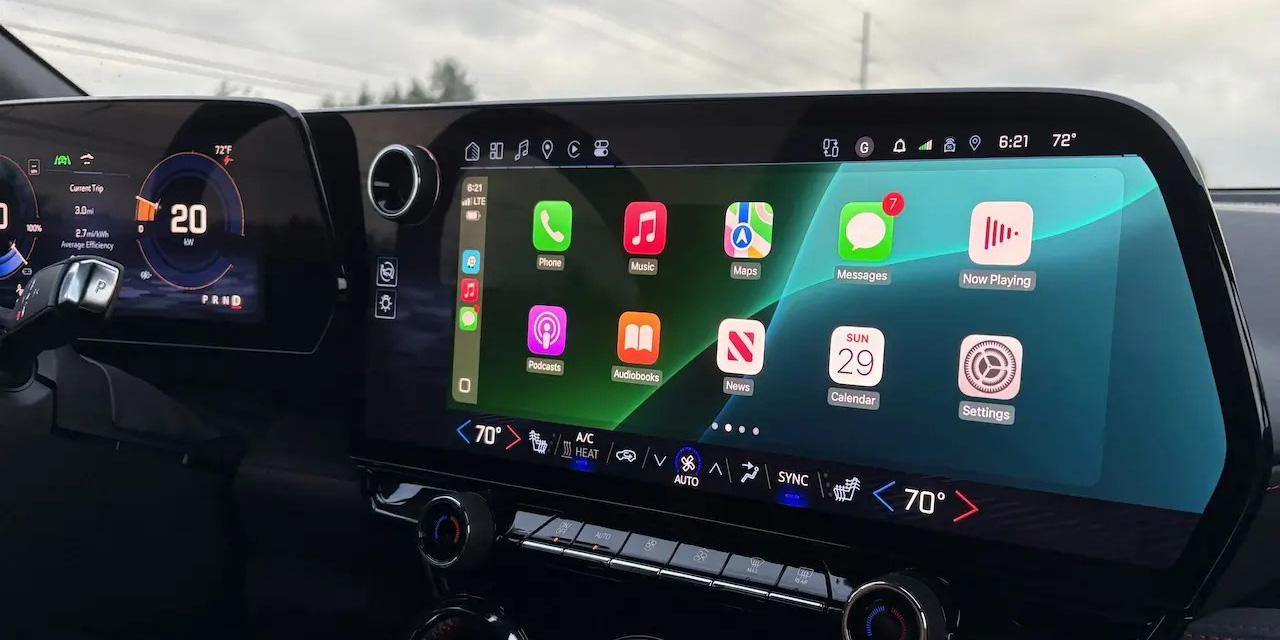
 

CarPlay Just Added Three New Features with iOS 18.4


One of the complicated things about CarPlay is that it needs to adapt to a wide range of vehicle infotainment systems.


Fortunately, iOS 18.4 brings a nice enhancement for vehicles that have especially large displays.


Users throughout the beta found that on certain screen sizes, CarPlay gained a third row of app icons where it only supported two before.


This extra screen real estate for apps pairs nicely with this next CarPlay addition…


#2: Sports apps


CarPlay Just Added Three New Features with iOS 18.4


Apple has made a new API available to app developers that will bring sports apps to CarPlay.


Starting in iOS 18.4, apps that show sports scores can integrate with CarPlay. This way, you can stay on top of how your favorite team’s doing even while in the car.


It could take some time for third-party sports apps to officially add CarPlay support, but here’s hoping we get a CarPlay update for the Apple Sports app before long.


#3: Default navigation in EU
 

CarPlay Just Added Three New Features with iOS 18.4


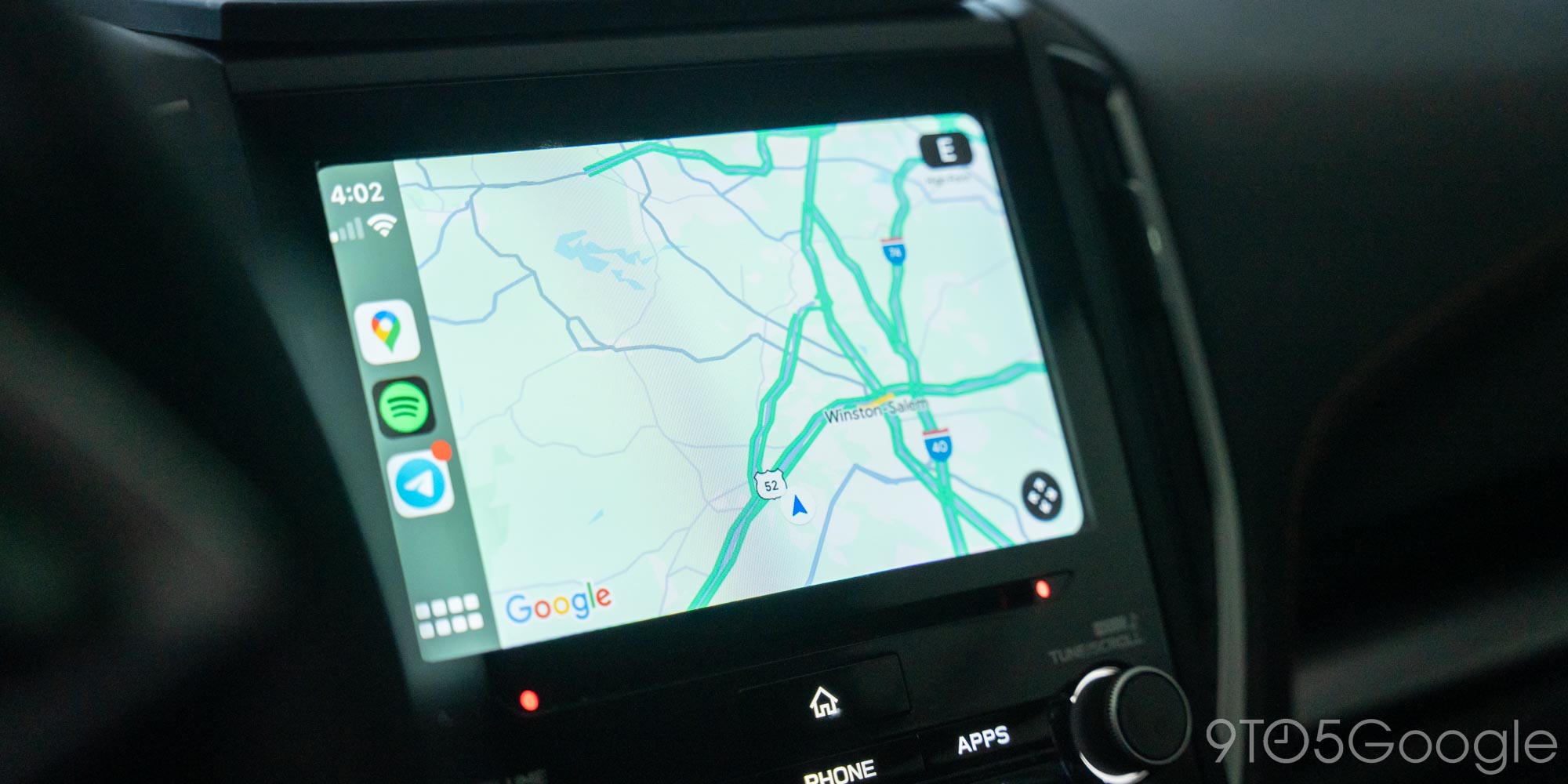
iOS 18.4 brought a long-awaited new option for EU users: the ability to set a default navigation app.


That’s right, rather than relying on Apple Maps, users in the EU can set alternatives like Google Maps as their default.


This change should have a huge impact on the CarPlay experience.


Source: 9to5mac

Windows
Mac OS
iOS
Linux
3uTools
Win 64-bit For this device
V9.0 2025-11-11
Download
Win 32-bit For this device
V9.0 2025-11-11
Download
3uTools
Intel Chip How to Identify Chip Type
V9.0 2025-12-02
Download
Apple Chip
V9.0 2025-12-02
Download
How to Identify Chip Type
1.  Click the Apple icon in the top-left corner of the screen and select About This Mac.
2.  Check the Processor or Chip field to determine if it is "Intel" or "Apple".
Please use the 3uTools PC client to install the iOS client:
1、 Install either the Windows or Mac version of 3uTools on your computer
2、 Open the PC client and connect your device to the computer via USB cable
3、 After the connection is successful, wait for the computer to automatically install the mobile app for the device, or locate “Install Mobile App” on the computer and manually click to install.
3uTools
deb file
V3.01 2025-11-20
Download
rpm file
V3.01 2025-11-20
Download
Windows
Windows
iOS
iOS
Android
Android
TV
TV
3uAirPlayer
Win 64-bit For this device
V6.0.2 2025-11-19
Download
Win 32-bit For this device
V6.0.2 2025-11-19
Download
iOS Device Mirroring (No App Required)
1、 Install 3uAirPlayer on the Windows PC
2、 Open Control Center and select Screen Mirroring
3、 From the list, choose your PC to start mirroring
4、 Or connect your iOS device to the PC via USB to begin mirroring
Scan to get "3uAirPlayer" App
3uAirPlayer TV V1.0.18
2025-11-28
TV System Requirements: Android 7.0 or later
Download the TV installation package, copy it to a USB drive, insert it into your TV or set-top box, then select the file from the home screen to install.




