NEWS

Sketchy Rumor Says iPad Air, iMac, and Studio Display Could Be Updated to 90Hz

11/06/2024

762

Sketchy Rumor Says iPad Air, iMac, and Studio Display Could Be Updated to 90Hz


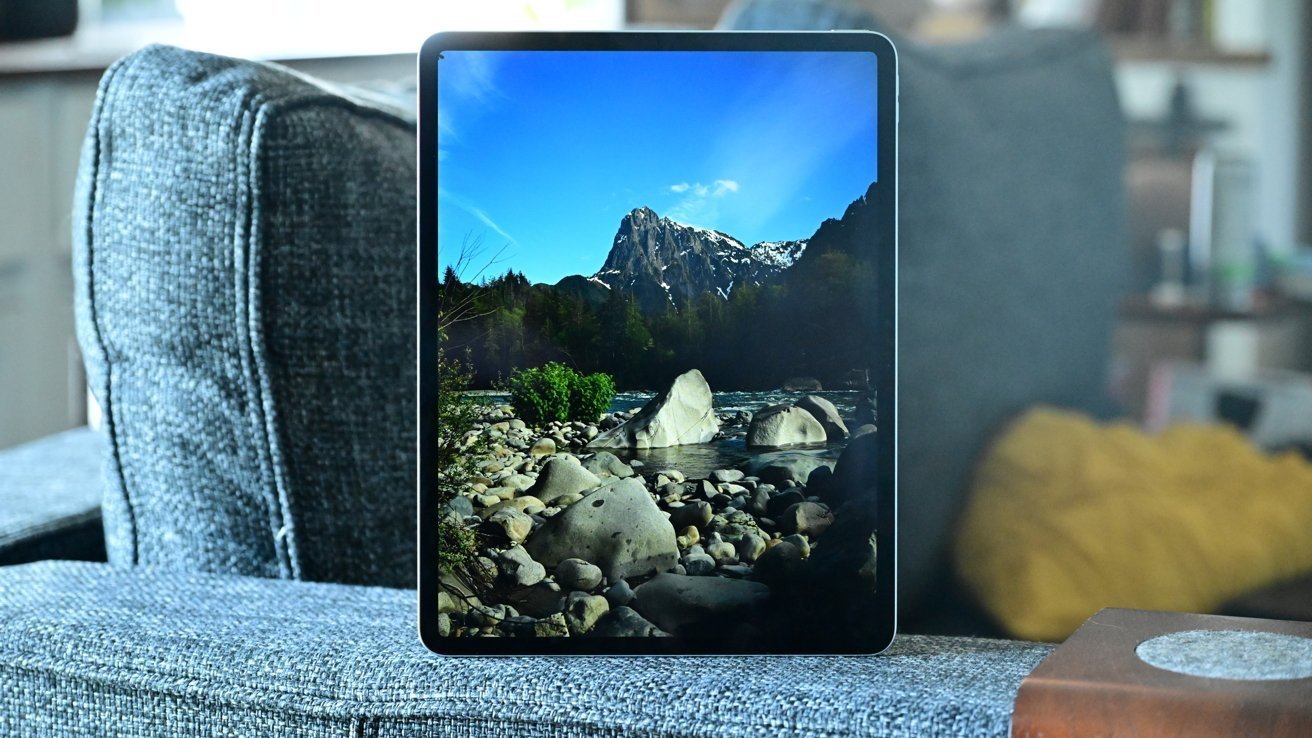
A rumor with no solid background claims that the current 60Hz displays on devices such as the iPad Air and iMac will be replaced by 90Hz ones on future releases.


It's more than two years since the Apple Studio Display was first released, and it has not been updated since. Now it's rumored that it will get a refresh that sees its 60Hz display updated to 90Hz, alongside the same change in the iMac and iPad Air.


"I have news on screen improvements for the next generation of the M3 iPad Air," says the rumor from an anonymous source. "Apple is working on a higher refresh rate LCD display with a new liquid motion panel fixed at around 90Hz."


"They're also working on expanding it to other models or products like a 24-inch iMac and a next-gen studio display," it continues.


As spotted by 9to5mac, the rumor was sent anonymously to the hosts of the Upgrade podcast. Consequently there is no way to determine its validity, or assess the track record of the leaker.


Apple is expected to release an update iPad Air in early 2025, but there has been no other claim about its screen. The iMac is unlikely to see another update soon, and there have been no rumors about a forthcoming Studio Display.


Source: AppleInsider

Windows
Mac OS
iOS
Linux
3uTools
Win 64-bit For this device
V9.0 2025-11-11
Download
Win 32-bit For this device
V9.0 2025-11-11
Download
3uTools
Intel Chip How to Identify Chip Type
V9.0 2025-12-02
Download
Apple Chip
V9.0 2025-12-02
Download
How to Identify Chip Type
1.  Click the Apple icon in the top-left corner of the screen and select About This Mac.
2.  Check the Processor or Chip field to determine if it is "Intel" or "Apple".
Please use the 3uTools PC client to install the iOS client:
1、 Install either the Windows or Mac version of 3uTools on your computer
2、 Open the PC client and connect your device to the computer via USB cable
3、 After the connection is successful, wait for the computer to automatically install the mobile app for the device, or locate “Install Mobile App” on the computer and manually click to install.
3uTools
deb file
V3.01 2025-11-20
Download
rpm file
V3.01 2025-11-20
Download
Windows
Windows
iOS
iOS
Android
Android
TV
TV
3uAirPlayer
Win 64-bit For this device
V6.0.2 2025-11-19
Download
Win 32-bit For this device
V6.0.2 2025-11-19
Download
iOS Device Mirroring (No App Required)
1、 Install 3uAirPlayer on the Windows PC
2、 Open Control Center and select Screen Mirroring
3、 From the list, choose your PC to start mirroring
4、 Or connect your iOS device to the PC via USB to begin mirroring
Scan to get "3uAirPlayer" App
3uAirPlayer TV V1.0.18
2025-11-28
TV System Requirements: Android 7.0 or later
Download the TV installation package, copy it to a USB drive, insert it into your TV or set-top box, then select the file from the home screen to install.