 NEWS
NEWS
Single iPhone Users Don’t Want To Date Someone With An Android
 02/09/2017
 5752
5752
Americans are picky when it comes to dating, particularly those who have iPhones, according to a survey of more than 5,500 singletons aged 18 and over by dating site Match.com. Apple AAPL, +0.07% iPhone owners are 21 times more likely to judge others negatively for having an Android, while those who have an Android are 15 times more likely to judge others negatively for having an iPhone. And those who have older models of either smartphone are 56% less likely to get a date.
“We look for so many other ways in which we’re compatible with potential partners, why shouldn’t phones be on the list?” says Abby Rodman, a psychotherapist in Boston. “Where a person lives, what car they drive, and what they do for a living are all things we weigh before embarking on a relationship. That may be pitiful commentary, but we’re also looking for compatibility in the non-materialistic: political viewpoints, religious convictions, and fundamental ethical values.” One explanation for the iPhone users snooty approach to dating: iPhone users earn higher incomes than Android users, according to research group ComScore.
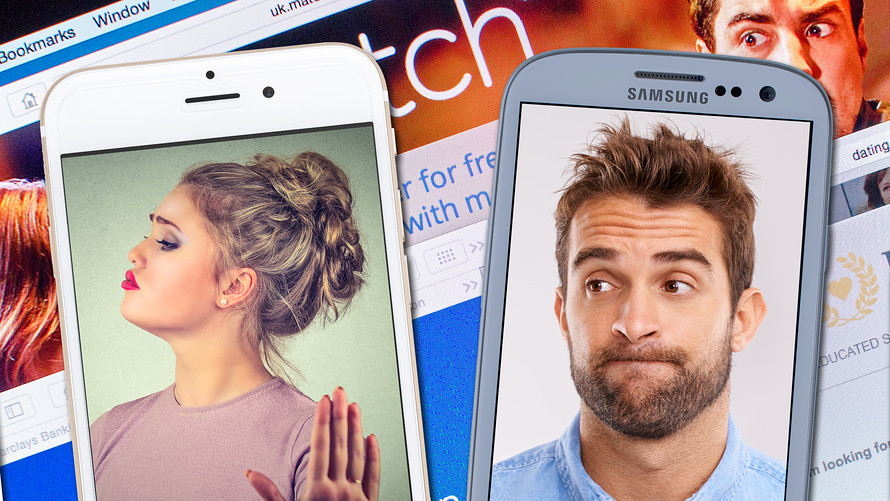
While Android and iPhone users would rather date someone with their taste in gadgets, they do agree on some things when it comes to first dates. Bad grammar is looked upon unfavorably by 39% of singletons, followed by crooked or discolored teeth (37%) and unfashionable (or just plain bad) clothing (35%), the survey found. Nearly 15% of adults who are currently dating would think twice about dating someone with a cracked smartphone screen, it added.
“The metrics of the traditional date have shifted,” says Simon Rego, chief psychologist at Montefiore Medical Center at the Albert Einstein College of Medicine in New York. He does see a cultish aspect to the technology we use. “Some people would rather lose their sense of smell than their iPhones. It’s as important to spell-check your text as it is to straighten your tie. Actually, I’m not sure people even wear ties on dates anymore.” And there are some practical drawbacks for couples with mixed technology: They can’t tell when they’re texts are delivered. And iMessages are mostly encrypted, if it’s between two iPhone users.
Source: marketwatch










