NEWS

New 'Shot on iPhone 13 Pro' Film Celebrates Chinese New Year

01/21/2022

1693

New 'Shot on iPhone 13 Pro' Film Celebrates Chinese New Year


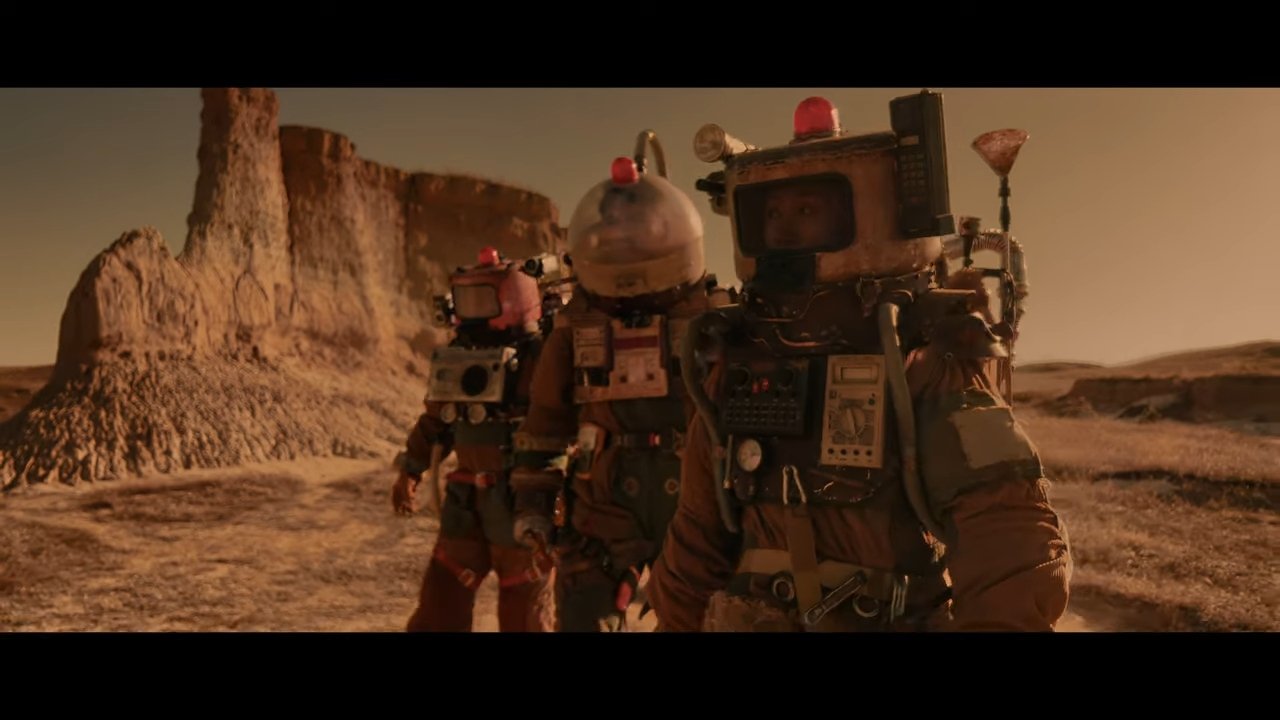
To commemorate the Chinese New Year, Apple has released a new short film in its "Shot on iPhone" series called "The Comeback."


The movie tells the tale of a young man returning home from a film shoot after an injury. He returns home and, with his father, sets out to shoot a sci-fi film with his friends and family and make that comeback.


The film, which clocks in at 23 minutes, was shot on the iPhone 13 Pro. In 2021, Apple released a 12-minute video shot on the iPhone 12 Pro Max that put a modern spin on the classic Chinese legend of the monster Nian.


The Chinese New Year starts on Tuesday, February 1, 2022. To celebrate, Apple has also released with special edition AirTag & Beats Studio Buds with Year of the Tiger imagery.


Source: Appleinsider

Windows
Mac OS
iOS
Linux
3uTools
Win 64-bit For this device
V9.01 2025-12-27
Download
Win 32-bit For this device
V9.01 2025-12-27
Download
3uTools
Intel Chip How to Identify Chip Type
V9.01 2025-12-31
Download
Apple Silicon
V9.01 2025-12-31
Download
How to Identify Chip Type
1.  Click the Apple icon in the top-left corner of the screen and select About This Mac.
2.  Check the Processor or Chip field to determine if it is "Intel" or "Apple".
Please use the 3uTools PC client to install the iOS client:
1、 Install either the Windows or Mac version of 3uTools on your computer
2、 Open the PC client and connect your device to the computer via USB cable
3、 After the connection is successful, wait for the computer to automatically install the mobile app for the device, or locate “Install Mobile App” on the computer and manually click to install.
3uTools
deb file
V3.01 2025-11-20
Download
rpm file
V3.01 2025-11-20
Download
Windows
Windows
iOS
iOS
Android
Android
TV
TV
3uAirPlayer
Win 64-bit For this device
V6.0.2 2025-11-19
Download
Win 32-bit For this device
V6.0.2 2025-11-19
Download
iOS Device Mirroring (No App Required)
1、 Install 3uAirPlayer on the Windows PC
2、 Open Control Center and select Screen Mirroring
3、 From the list, choose your PC to start mirroring
4、 Or connect your iOS device to the PC via USB to begin mirroring
Scan to get "3uAirPlayer" App
3uAirPlayer TV V1.0.18
2025-11-28
TV System Requirements: Android 7.0 or later
Download the TV installation package, copy it to a USB drive, insert it into your TV or set-top box, then select the file from the home screen to install.