 NEWS
NEWS
'iPhone 13' Adding ProRes Video Recording, Doubling Down on Pro Camera Features
 08/11/2021
 3462
3462
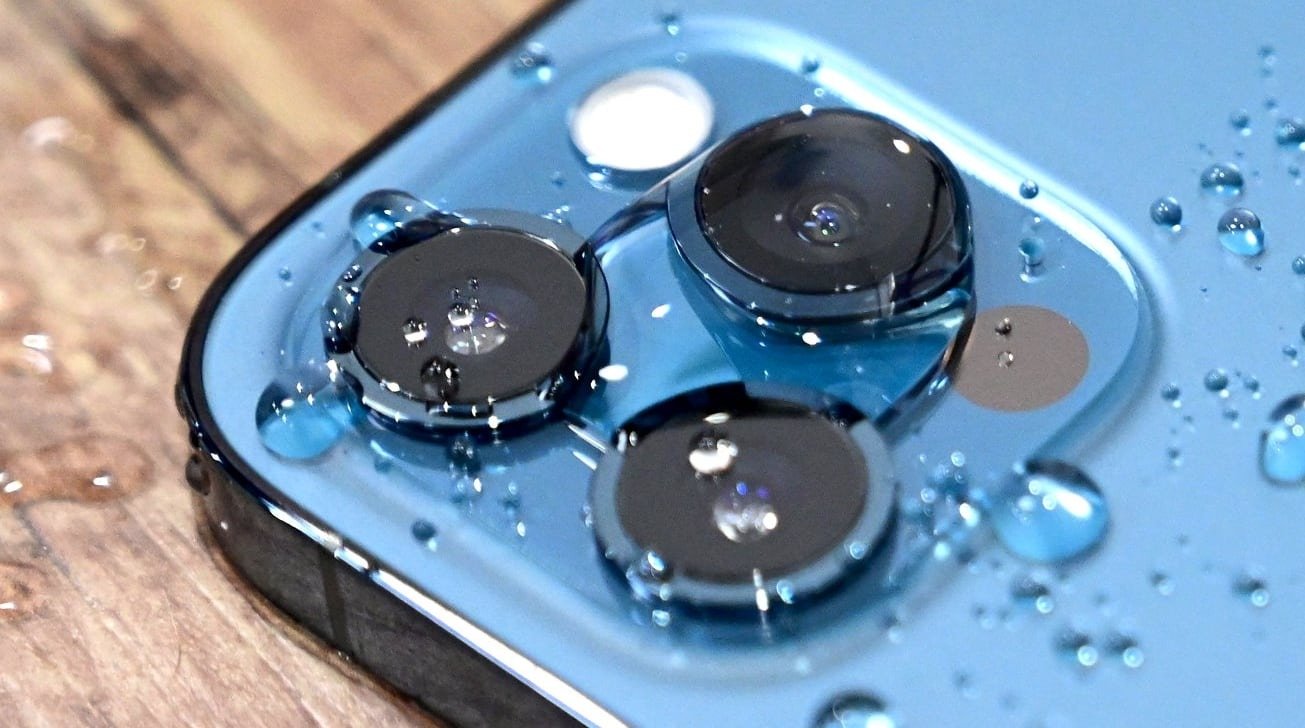
The "iPhone 13" cameras will offer a new video version of Portrait mode, as part of a number of changes to improve the imaging capabilities of the 2021 models.
The iPhone camera has always been a major selling point of the smartphone, with Apple leaning on it to market the range via its Shot on iPhone initiative. A Tuesday report claims that the camera's capabilities will be further enhanced in 2021, with new features arriving with the "iPhone 13" range.
The biggest enhancement to the camera will be a modified Portrait mode, according to Bloomberg, which will give users the chance to record video with the same bokeh, lighting, and background effects as the current still image version.
A new filter-like system will be introduced, to help users improve the colors and appearance of photographs they take. This includes making images warmer or cooler, and altering contrast for a more dramatic look.
Of note is that it will apparently use AI to apply the wanted changes to objects and subjects within a photograph, rather than across the entire image.
Meanwhile, the addition of ProRes video recording will allow for higher-quality footage to be captured from the iPhone. ProRes is a format used by professional filmmakers, which could lend the iPhone to movie and TV show productions even more than it already can.
ProRes consumes more storage capacity than standard video, but still manages to preserve image quality while shrinking the size compared to raw video. The algorithm design for the codec allows for fast encoding and decoding, which has helped Apple win an Engineering Emmy in 2020.
In 2020, for the iPhone 12 Pro, Apple introduced ProRAW, an image format that combined the benefits of shooting images in RAW format with computational photography features.
Apple is anticipated to introduce the "iPhone 13" range in the fall, as part of its annual refresh of the product line. Rumors have claimed various camera changes, including an increase in sensor resolution, bigger lenses, and the addition of autofocus on the Pro models.
There has also been some debate over whether Apple will stick to the existing 3-cameras and 2-cameras on the Pro and Standard models respectively, or will move to a 4-camera setup. Meanwhile, LiDAR is said to be staying only on the Pro models for another year.
According to analyst Ming-Chi Kuo in June, the "iPhone 13 Pro" models will add a new ultra-wide camera lens with autofocus, a feature that will apparently spread to the non-Pro models released in 2022.
Source: Appleinsider










