 NEWS
NEWS
200,000 People Signed up for Apple News+ in First 48 Hours of Availability
 04/03/2019
 3834
3834
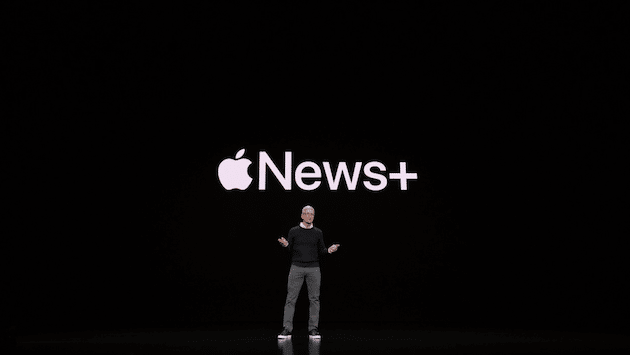
Apple announced Apple News+ in March, and, soon after, officially launched one of its newest subscription services. Now, according to a new report, upwards of 200,000 people signed up for the service right out of the gate.
According to The New York Times, around 200,000 people signed up for Apple News+ within the first 48 hours of the service going live. That’s across Apple’s device ranges, from iOS and macOS. The publication’s numbers were acquired from two unnamed sources speaking anonymously to the publication.
It’s worth noting here that Apple News+ will cost $9.99 per month after the initial 30-day free trial expires for those customers (and any future subscribers). The number is actually better than what Texture, which Apple News+ is based on after Apple acquired the subscription service in 2018, saw at its peak. But of course, with millions of devices out there (the majority of which can access Apple News+) 200,000 doesn’t seem like a huge number.
It will be interesting to see how many of those subscribers will cancel their trial membership with Apple News+ before they are charged the $10 per month.
The fact that the NYT is reporting on the first 48 hours subscriber numbers is also interesting, considering the publication is not included in Apple News+. Apple’s news subscription service provides access to over 300 magazines, as well as content from news sources like The Washington Post and The Los Angeles Times, among others. But NYT and the Wall Street Journal are not part of the mix, reportedly because Apple’s negotiating tactics weren’t great.
We tried out Apple News+ after its launch and found it a pretty solid service.
Source: iphonehacks










