 NEWS
NEWS
Samsung Will Supply Apple With Foldable Displays
 03/04/2019
 5484
5484
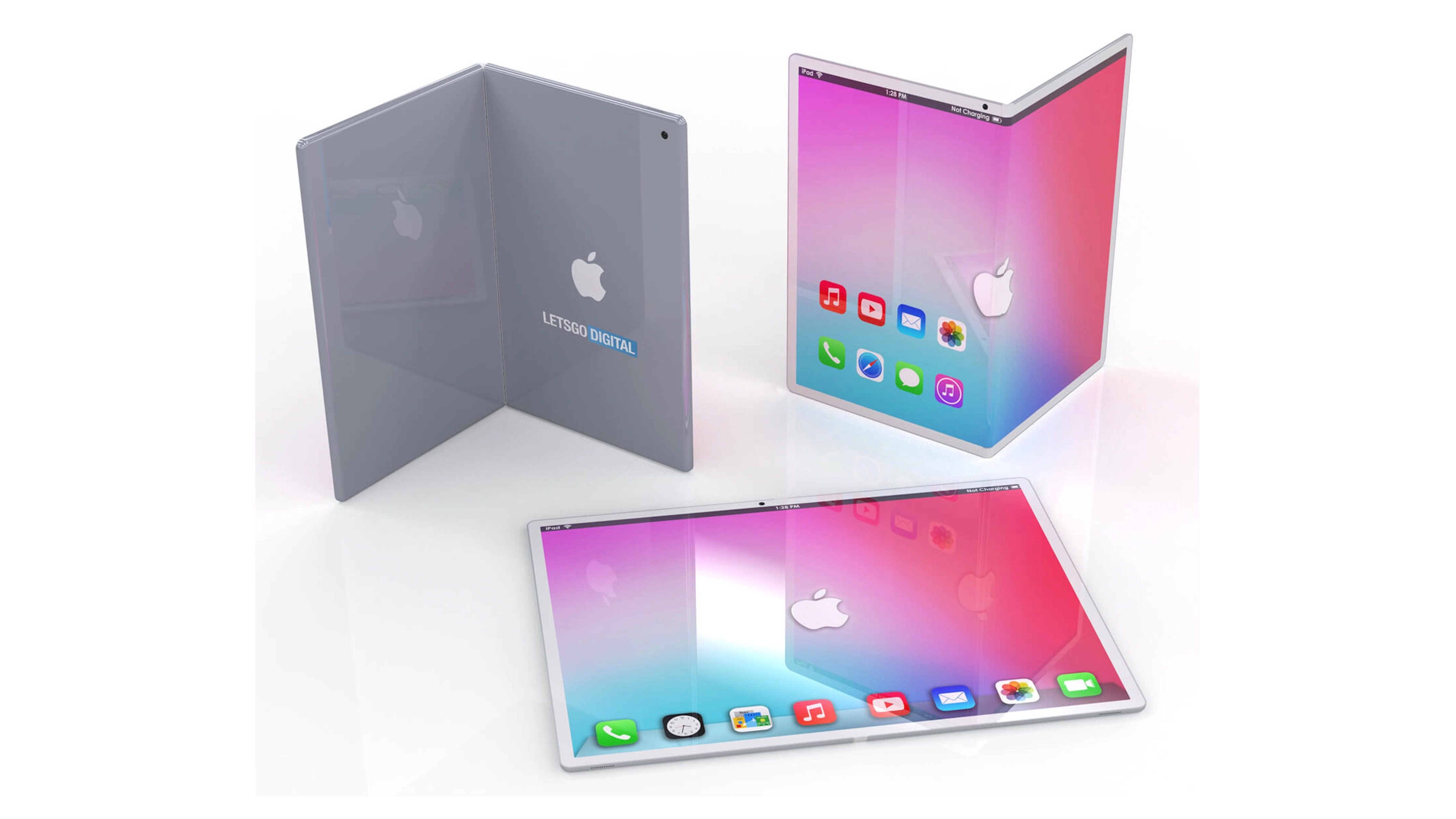
Amid the recent influx of foldable smartphones from Android manufacturers, a new report suggests that Samsung Display is in talks with Apple to supply the company with foldable smartphone displays. Meanwhile, a separate render – seen above – imagines what a foldable iPad might look like.
According to a report from ET News, citing industry sources, Samsung Display delivered a set of foldable displays to Apple. The displays are said to measure 7.2-inches in size, which is slightly smaller than Samsung’s Galaxy Fold device.
Last month, an analyst suggested that Samsung might withhold its foldable display technology from Apple in order to preserve the uniqueness of its own Galaxy Fold. This week’s report, however, implies that Samsung Display is looking to also be a supplier of foldable technology, like it is with normal OLED displays.
Currently, Samsung does supply the OLED panels used in the iPhone XS and iPhone XS Max. Apple and Samsung have regularly partnered on display technology for the iPhone, so it’s not necessarily surprising that the trend would continue with foldable technology.
“We know that Samsung Display has supplied a set of foldable drives to Apple and Google in order to fully expand its folder-based display business and uncover customers,” an industry source familiar with the Samsung Foldable Display said.
Meanwhile, a render from LetsGoDigital imagines what a foldable iPad design might look like. This concept depicts an iPad that could act like a “complete workstation,” but also be folded up for easier on-the-go use.
Last week, a patent from Apple described how a foldable smartphone design could prevent damage when the screen is repeatedly folded and unfolded. Of course, a patent is no indication that Apple is anywhere near its launch of a foldable iPhone or foldable iPad.
Source: 9to5mac










