 NEWS
NEWS
Apple Registers Five new iPads and Macs in Eurasian Database
 07/06/2018
 4920
4920
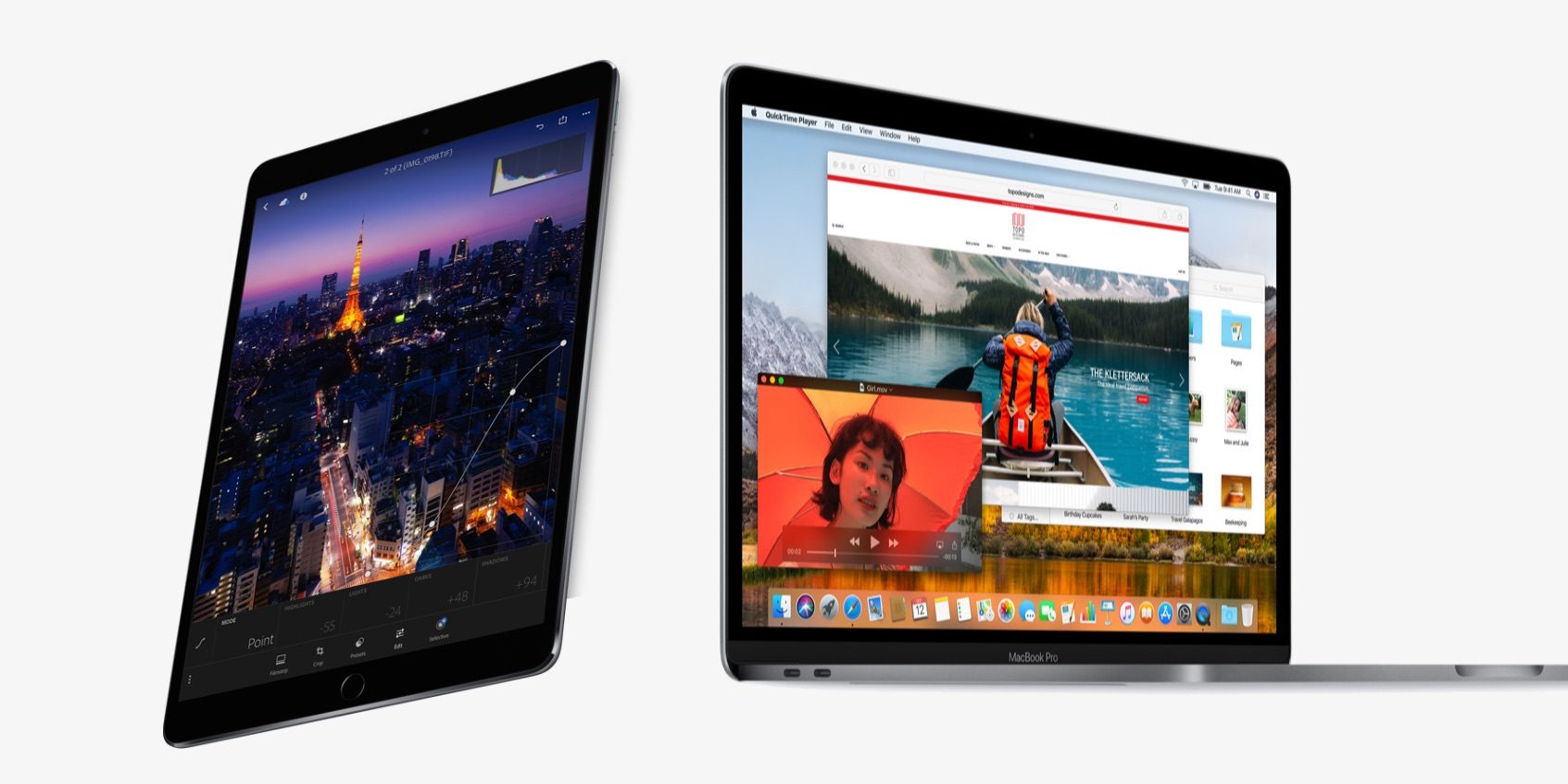
We are expecting significant updates to the iPad and Mac lines later this year, and Apple appears to be getting in the admin work early as five new iPad and five new Mac models have turned up in the Eurasian Economic Commission database as found by Consomac.
The filing says that these new devices are running iOS 11 and macOS 10.13, which is unusual as we’d typically expect Apple to ship these hardware updates with the new flagship software releases, iOS 12 and macOS Mojave. Indicators from this source had a solid track record of accuracy last year, but it’s notable that an April filing on new iPhones is yet to see payoff in new products.
Previous to the iPhone report, Apple has registered unannounced products in the Eurasian database, with public launches about a month later.
As a quick recap of this source’s record, in August 2016, Apple filed trademarks for iPhone 7, Apple Watch Series 2, Apple Watch Series 1 and ‘AirPods’. Obviously, all four of these products were indeed unveiled at the September event a few weeks later; with the leak being one of the first mentions of the AirPods branding for Apple’s truly-wireless earbuds.
Ahead of WWDC 2017, the filings again tipped the hat on updated Magic Keyboard, new MacBooks and iPads ahead of Apple’s announcements. In February of this year, Apple filed for the new $329 iPad in February, ahead of its March education event where the product was debuted.
This brings us to the April report, where eleven new iPhone model identifiers turned up in the database. It is now many months on from that filing … and there are no new iPhones to show for it. This is the first black mark in the track record, and it gives some doubt to the relevancy of this latest filing on iPads and Macs.
It is possible that Apple has tweaked its strategy regarding how it registers products in these regions to make it less easy to predict its upcoming announcements — all part of its renewed focus on product secrecy.
Nevertheless, here’s what this latest filing suggests: there will be five new Mac computers with model numbers A1931, A1932, A1988, A1989, A1990 and five new iPads with model numbers A1876, A2013, A1934, A1979, A2014. The Macs are apparently running High Sierra and the iPads are running iOS 11.
Regarding the Macs, the most likely deduction is that the continuous string of the last three (from A1988-A1990) of these are new MacBook Pro SKUs. We have already seen some evidence of a significant MacBook spec upgrade in the offing, and a MacBook Pro refresh is very much due. The products representing the other two might be the new 13-inch Retina ‘MacBook Air’ model that’s been making the rounds in the rumor mill for a while now.
The iPad model identifiers are harder to reason about as there is no obvious grouping to the numbers. Obviously, we are expecting new iPad Pros with Face ID, no home button, and thin bezels to be launched in the fall, so that accounts for at least some of the identifiers.
It is weird that neither of these new products are said to be running the new operating systems. This could mean we see an earlier launch than the usual September timeframe, but given the parallel weirdness with the still-unaccounted-for eleven iPhone identifiers, we don’t feel confident drawing any hard conclusions at this stage.
Source: 9to5mac










