 NEWS
NEWS
Apple Begins Selling Refurbished iPhone 7 and iPhone 7 Plus Models in United States
 02/02/2018
 5204
5204
Apple today has added refurbished iPhone 7 and iPhone 7 Plus models to its online store for the first time in the United States.
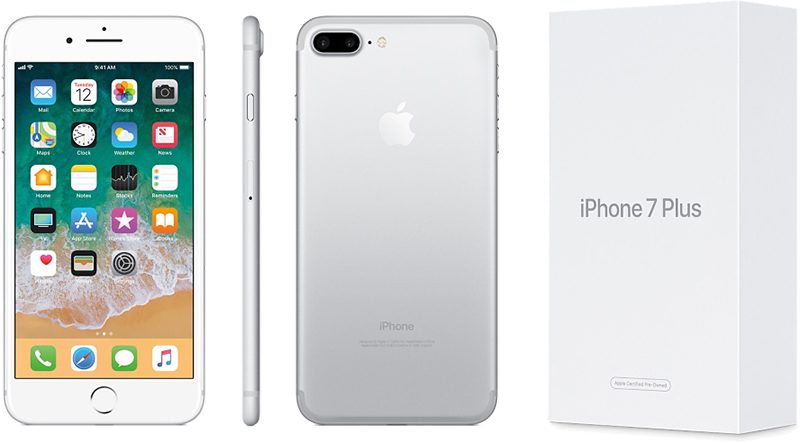
iPhone 7 models are available in all three storage capacities, including 32GB for $499, 128GB for $589, and 256GB for $679, reflecting savings of 10 percent off Apple's current prices for brand new models. All five colors are currently in stock, including Black, Jet Black, Silver, Gold, and Rose Gold.
iPhone 7 Plus models with 32GB or 128GB of storage are available for $599 and $689 respectively, which is also 10 percent off. There are no 256GB models in stock. Available colors include Black, Gold, and Rose Gold.
Apple says all refurbished iPhone models are thoroughly inspected, tested, cleaned, and repackaged with a new white box and all manuals and accessories. Apple also installs a new battery and replaces the outer shell, making it nearly impossible to distinguish between a refurbished and brand new iPhone.
Any refurbished iPhone model comes with Apple's standard one-year warranty effective on the date the device is delivered. The warranty can be extended to up to two years from the original purchase date with AppleCare+, at a cost of $129 for the iPhone 7 and $149 for the iPhone 7 Plus in the United States.
All in all, customers can save somewhere between $50 and $80 on the iPhone 7 and iPhone 7 Plus this way. Those looking for an even better deal, and who are okay with a little wear and tear, may wish to consider Virgin Mobile's pre-loved iPhone 7 and iPhone 7 Plus models, which start at $299 and $349 respectively.
Source: macrumors










