 NEWS
NEWS
iPhone 17e Launching as Soon as Next Month: Here Are Five Upgrades to Look Forward to
 01/12/2026
 954
954
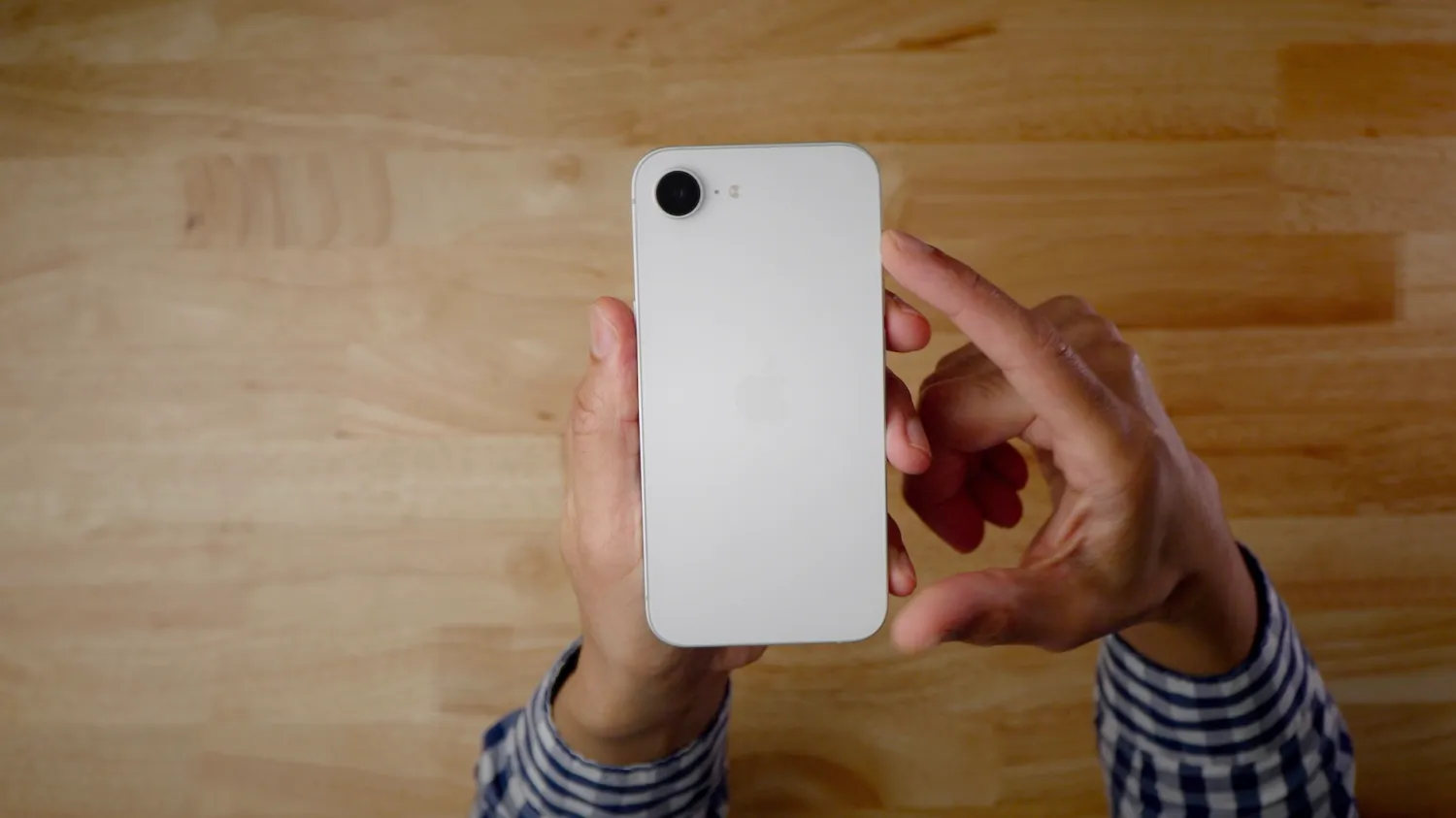
Last year, Apple introduced a new model at the bottom of the iPhone lineup, and it launched iPhone 16e. Now, the company is expected to follow up just a year later with a successor. Here’s what’s rumored.
A19 chip
First and foremost, with almost every Apple product refresh comes a new chipset. This time is no different, and iPhone 17e is anticipated to equip the A19 chip, up from the A18 chip in the current model.
A19 utilizes the third-generation 3nm process, N3P, and is around 5-10% faster than the A18 chip in CPU performance.
Thinner bezels
According to a report from The Elec, iPhone 17e will likely have thinner bezels than the iPhone 16e, though it’s still expected to retain a 6.1-inch display size. That said, it won’t offer any new modern display features, so don’t expect ProMotion or always-on capability on the iPhone 17e.
This’ll bring it more in line with the rest of the iPhone 17 lineup, all of which now have ultra-thin bezels.
Dynamic Island
Some rumors indicate that iPhone 17e will gain the Dynamic Island, first introduced on iPhone 14 Pro. iPhone 16e still utilizes the older notch design.
If true, that’ll mark the end of the notch in the iPhone lineup.
Center Stage
Across the iPhone 17 lineup, Apple introduced a fun new selfie camera with Center Stage capability. Its an 18MP square sensor, with the ability to crop into either a portrait or landscape rectangle – allowing you to take selfies in either orientation without rotating the phone. It also tracks faces, and automatically expands the frame if a second person enters the photo, for example.
This new camera is rumored to come to iPhone 17e, according to a research note from analyst Jeff Pu.
MagSafe
Lastly, iPhone 17e is rumored to support MagSafe. Currently, iPhone 16e only supports normal Qi wireless charging, at up to 7.5W. If it were to support MagSafe, it’d support at least 15W wireless charging.
Given the fact that this is a cheaper model, it likely wouldn’t support the 25W charge speeds of Qi2.2, but nonetheless, having the ability to use MagSafe stands, wallets, battery packs, and more would be a game changer. None of this is possible on the current iPhone 16e.
Pricing and release date
iPhone 17e could launch as soon as February, as it did last year – though it might be later in the spring. It should hopefully keep the same $599 price point as last year.
With the iPhone 17 lineup, Apple upgraded all models to start with 256GB of storage, which was previously exclusive to the Pro Max model. It isn’t clear if iPhone 17e will also start with 256GB of storage, but if it did, it would certainly make the model a better value.
Source: 9to5mac









