 NEWS
NEWS
iPhone 16 Pro is Apple's Most Repairable Model Yet
 09/29/2024
 4482
4482
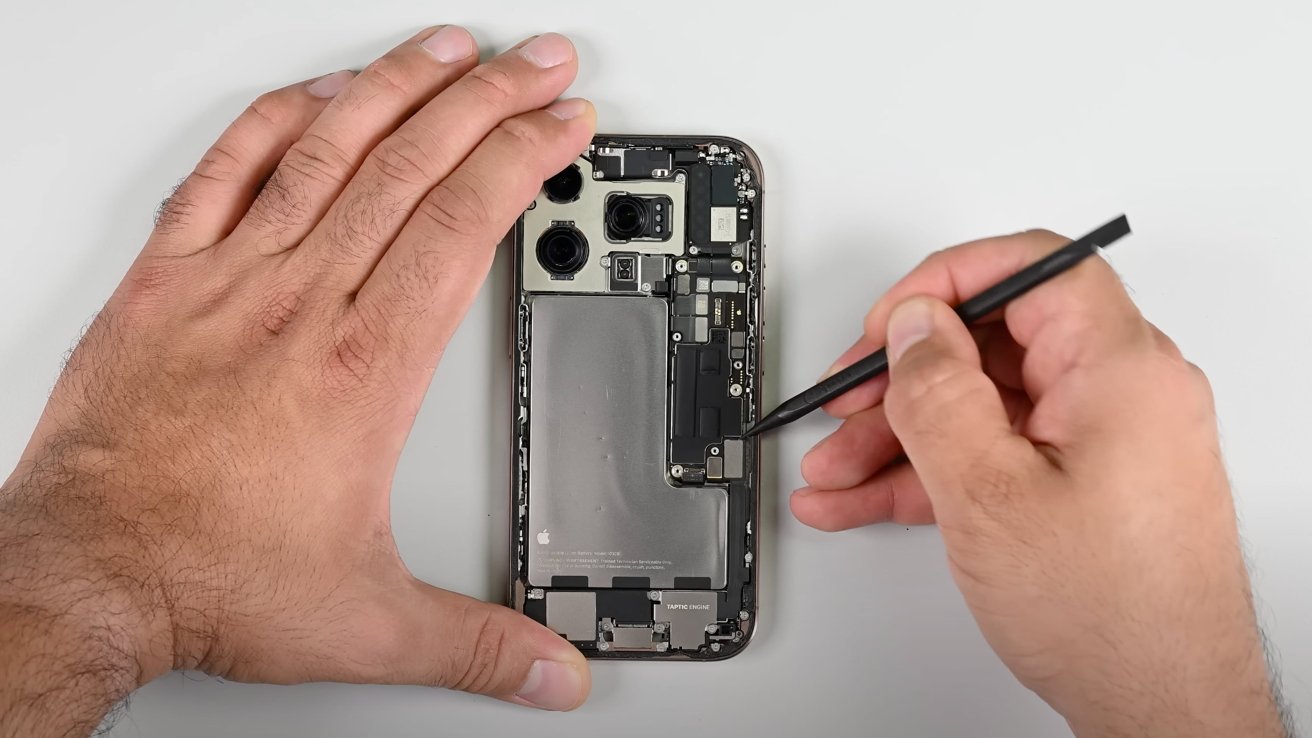
A teardown of the iPhone 16 Pro has given a closer look at its internals, resulting in the highest repairability score since the iPhone 7.
As is customary for an iPhone release, companies start to tear down the devices to check out the internals. While one initial teardown has shown off the new metal battery in the iPhone 16 Pro, another has looked at how easy it is to repair.
Published to YouTube on Friday, the iFixit teardown again covers the inclusion of a fully-encased battery. According to the firm, the new battery offers a benefit to repairers, in that "you can accidentally poke it to your heart's content and it won't pose a fire risk."
This consequently makes it easier for repairs to take place. However, even though the battery takes up more space, it's a higher capacity than the iPhone 15 Pro, shifting from 12.7Wh to 13.94Wh.
Absent antenna
While there are usually changed and new components in releases, the iPhone 16 Pro has one item missing. Due to the inclusion of the Camera Control button, one of the 5G mmWave antennae have been removed.
The change could be an issue for users who rely on the high-speed cellular access, especially for the titanium-framed Pro models. Though Apple has shifted the antenna up and closer to the outer edge to try and compensate for this.
Even so, it's likely that U.S. users will continue to have a relatively poor experience with mmWave, considering it is an easily-blocked and weak signal that is only available in built-up areas.
Easier to fix
One of the key things iFixit determines is how repairable an iPhone can be. In its assessment of the 2024 model, the repair outfit is feeling positive about the design.
Repairs no longer require the removal of the display for access to components behind it, thanks to the dual-entry design. The use of battery pull tabs, "while fallible," make the process of battery removal much easier.
Then there's the iOS 18 update that makes it easier for most parts to be replaced with other OEM components.
Overall, the iPhone 16 Pro and Pro Max have a repairability score of 7 out of 10. Previously, the iPhone 15 Pro Max scored a mere 4 out of 10.
The 7 out of 10 rating is the highest iFixit has given the iPhone since the iPhone 7. While it did award the same score to the iPhone 14, it was retroactively changed a year later to 4 out of 10 due to Apple's parts pairing practice.
Source: Appleinsider










