NEWS

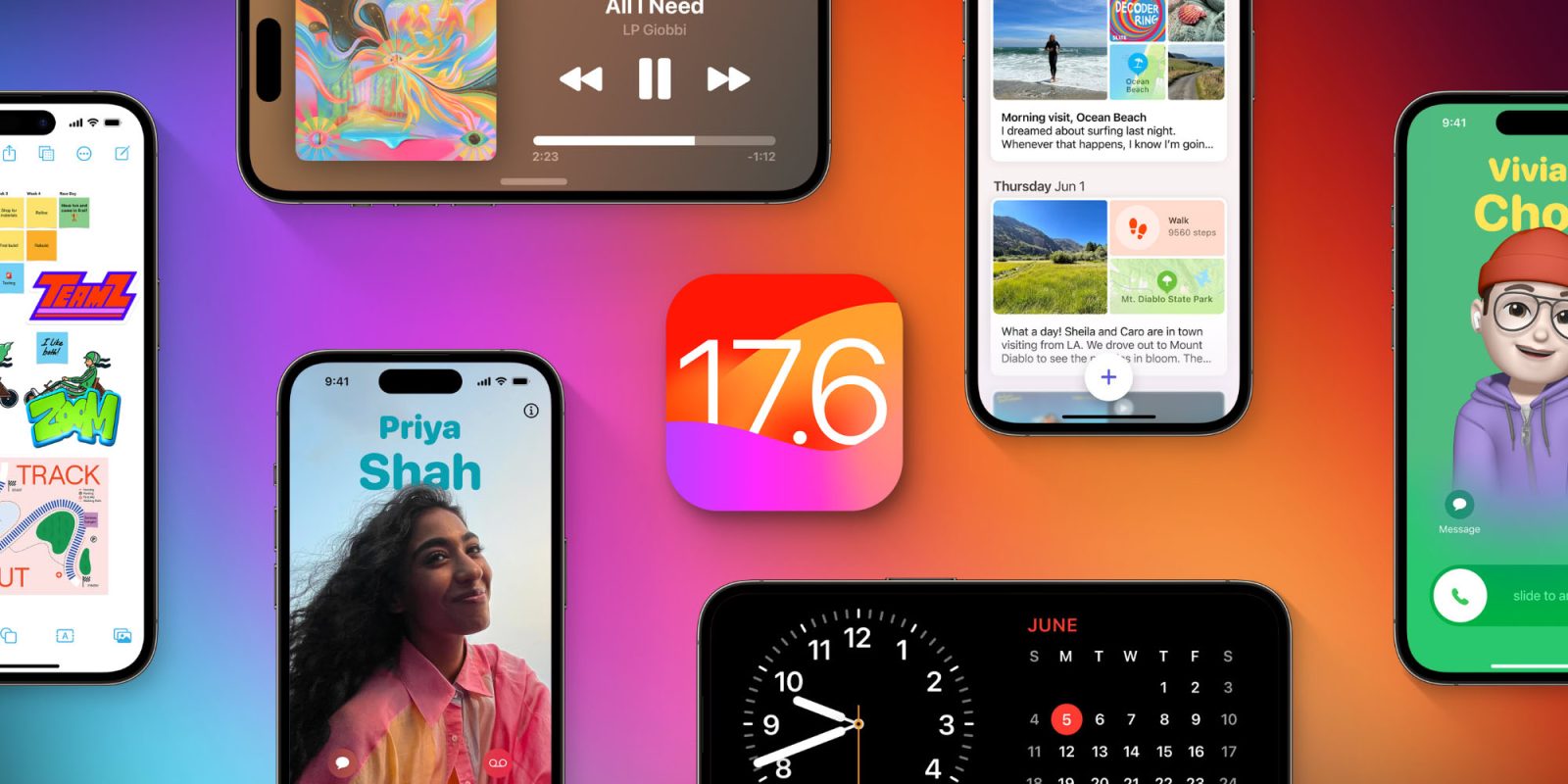
iOS 17.6 Public Beta 1 Now Available, Plus macOS 14.6, iPadOS 17.6 and More

06/21/2024

2730

iOS 17.6 Public Beta 1 Now Available, Plus macOS 14.6, iPadOS 17.6 and More

Following the release earlier this week of the first developer betas for iOS 17.6, macOS 14.6, iPadOS 17.6, and more, today Apple has released the first public betas of the same updates. They are available for download on your devices via the Software Updates screen under the Beta Updates section.

Public beta for iOS 17.6, but not yet iOS 18

iOS 17.6 is the next big update for iOS 17, and possibly its final update before iOS 18’s fall launch.

Although the first developer beta of iOS 18 launched last week, before 17.6, it is unsurprising to see the public beta of 17.6 debut first. iOS 18’s public beta isn’t expected until some time in July, likely early in the month.

For anyone who wants to run the latest iOS beta but without risking some of the stability issues that iOS 18 might introduce, iOS 17.6 is a safer option.

New features in iOS 17.6

Currently, the only known new feature of iOS 17.6 is the ‘Catch Up’ feature in the TV app, which is designed for sports viewers.

Last month saw the public launch of iOS 17.5, which introduced new Pride wallpapers, the Quartiles game for News+ subscribers, offline Apple News content, and some other changes such as app web distribution in the EU.

Source: 9to5mac

Windows
Mac OS
iOS
Linux
3uTools
Win 64-bit For this device
V9.0 2025-11-11
Download
Win 32-bit For this device
V9.0 2025-11-11
Download
3uTools
Intel Chip How to Identify Chip Type
V9.0 2025-12-02
Download
Apple Silicon
V9.0 2025-12-02
Download
How to Identify Chip Type
1.  Click the Apple icon in the top-left corner of the screen and select About This Mac.
2.  Check the Processor or Chip field to determine if it is "Intel" or "Apple".
Please use the 3uTools PC client to install the iOS client:
1、 Install either the Windows or Mac version of 3uTools on your computer
2、 Open the PC client and connect your device to the computer via USB cable
3、 After the connection is successful, wait for the computer to automatically install the mobile app for the device, or locate “Install Mobile App” on the computer and manually click to install.
3uTools
deb file
V3.01 2025-11-20
Download
rpm file
V3.01 2025-11-20
Download
Windows
Windows
iOS
iOS
Android
Android
TV
TV
3uAirPlayer
Win 64-bit For this device
V6.0.2 2025-11-19
Download
Win 32-bit For this device
V6.0.2 2025-11-19
Download
iOS Device Mirroring (No App Required)
1、 Install 3uAirPlayer on the Windows PC
2、 Open Control Center and select Screen Mirroring
3、 From the list, choose your PC to start mirroring
4、 Or connect your iOS device to the PC via USB to begin mirroring
Scan to get "3uAirPlayer" App
3uAirPlayer TV V1.0.18
2025-11-28
TV System Requirements: Android 7.0 or later
Download the TV installation package, copy it to a USB drive, insert it into your TV or set-top box, then select the file from the home screen to install.