
TUTORIALS

How to Remove Electra Jailbreak from iPhone?

03/06/2018

18234

3uTools V2.20 is released with many new features, it also supports latest @coolstars Electra jailbreak for iOS11- iOS 11.1.2 devices. Check how to.


In case you want to uninstall this jailbreak, we are going to show you how to remove Electra jailbreak (Version for 1.0-1.02) from iPhone, iPad easily.
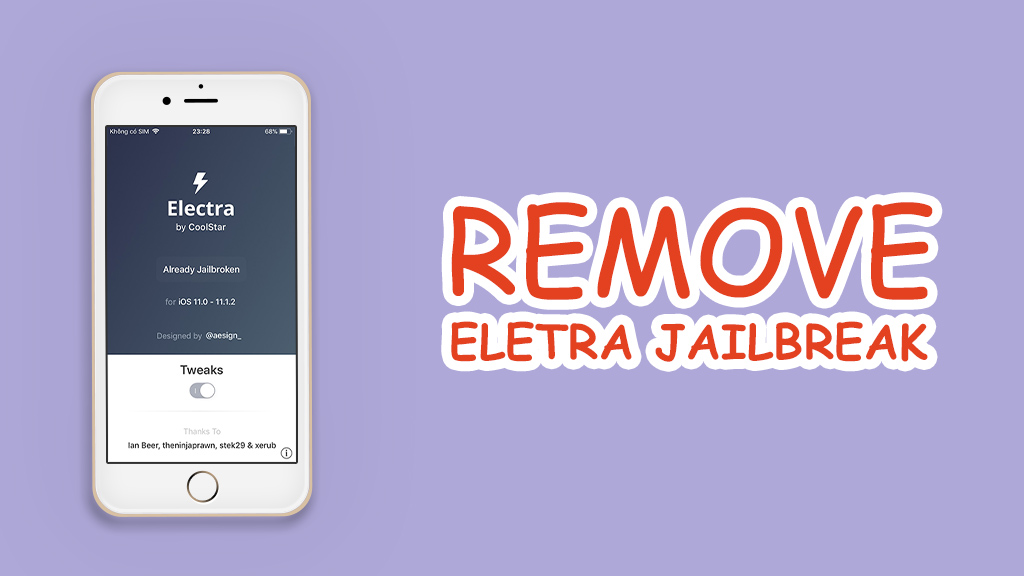

How to Remove Electra Jailbreak from iPhone?


Preparation:
1.
Download delectra file (By KirovAir on GitHub )
2. WinSCP and PuTTY tool

Step1: Connect your iOS device to PC via 
SSH
Don't change the file protocol. 
The host name will be your phone's IP, 
The generic Username is root, Password is alpine.
Remember to change port as 22.

Connect, accept the options that come up.

How to Remove Electra Jailbreak from iPhone?


Step2: After it is connected, go to / root directory. Unzip the file you just downloaded, then you’ll find a file named unjailbreak.sh, put this file under /electra directory.

Step3: Make sure the transfer is done and close WinSCP.

Step4: Open PuTTY. Same situation, Host name is your phone's IP, port stays the same, connection type is SSH.

How to Remove Electra Jailbreak from iPhone?


PieTTY Security Alert should be here after connecting, click "Yes"

How to Remove Electra Jailbreak from iPhone?

Step5: Then a command box will ask you for your username and password. it will be like we said before, root and alpine. once it does that, type in bash ./unjailbreak.sh"


How to Remove Electra Jailbreak from iPhone?


Press enter, then leave it alone. If all goes well, your phone will reboot with Cydia gone. Feel free to delete Electra off your springboard.



How to Remove Electra Jailbreak from iPhone?

Windows
Mac OS
iOS
Linux
3uTools
Win 64-bit For this device
V9.0 2025-11-11
Download
Win 32-bit For this device
V9.0 2025-11-11
Download
3uTools
Intel Chip How to Identify Chip Type
V9.0 2025-12-02
Download
Apple Silicon
V9.0 2025-12-02
Download
How to Identify Chip Type
1.  Click the Apple icon in the top-left corner of the screen and select About This Mac.
2.  Check the Processor or Chip field to determine if it is "Intel" or "Apple".
Please use the 3uTools PC client to install the iOS client:
1、 Install either the Windows or Mac version of 3uTools on your computer
2、 Open the PC client and connect your device to the computer via USB cable
3、 After the connection is successful, wait for the computer to automatically install the mobile app for the device, or locate “Install Mobile App” on the computer and manually click to install.
3uTools
deb file
V3.01 2025-11-20
Download
rpm file
V3.01 2025-11-20
Download
Windows
Windows
iOS
iOS
Android
Android
TV
TV
3uAirPlayer
Win 64-bit For this device
V6.0.2 2025-11-19
Download
Win 32-bit For this device
V6.0.2 2025-11-19
Download
iOS Device Mirroring (No App Required)
1、 Install 3uAirPlayer on the Windows PC
2、 Open Control Center and select Screen Mirroring
3、 From the list, choose your PC to start mirroring
4、 Or connect your iOS device to the PC via USB to begin mirroring
Scan to get "3uAirPlayer" App
3uAirPlayer TV V1.0.18
2025-11-28
TV System Requirements: Android 7.0 or later
Download the TV installation package, copy it to a USB drive, insert it into your TV or set-top box, then select the file from the home screen to install.



