 TUTORIALS
How to Add an Icon to the Extra_recipe and Yalu Jailbreak Apps?
 08/04/2017
 7179
7179
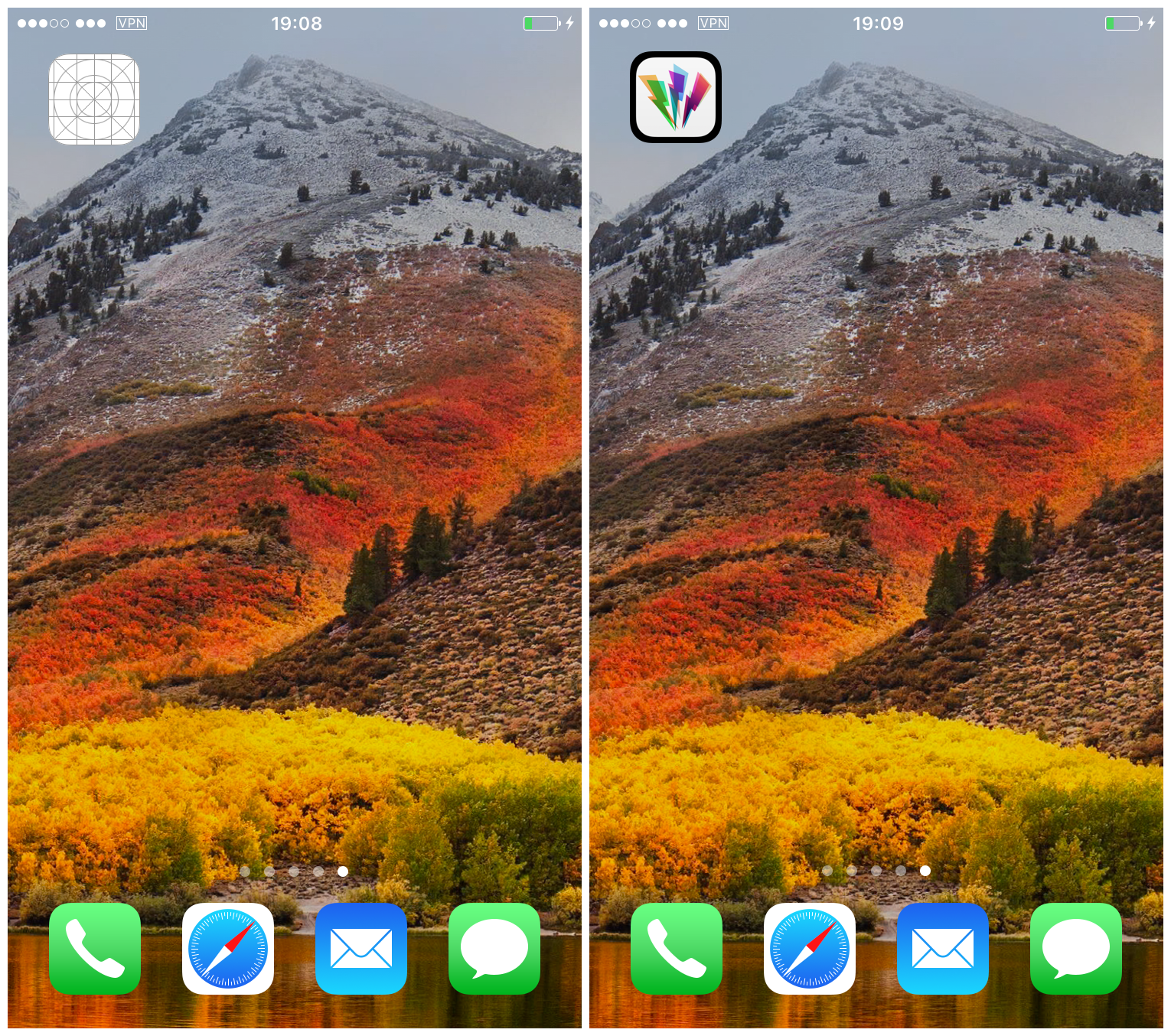
If you’re a perfectionist and don’t like the extra_recipe jailbreak‘s lack of an icon, you can always change it to a custom one of your choice. This simple modification will also work to change the Yalu app icon should you so desire. Follow our guide below to see how.
Instructions
1) Ensure that you have your jailbreak app (Yalu or extra_recipe) in an easily accessible location on your computer.
(You could also do this in Filza file manager on your iOS device, but this way is probably quicker.)
2) Rename your jailbreak app from APP_NAME.ipa to APP_NAME.zip. When asked if you are sure you wish to change the file extension to .zip, confirm your choice with Use .zip.
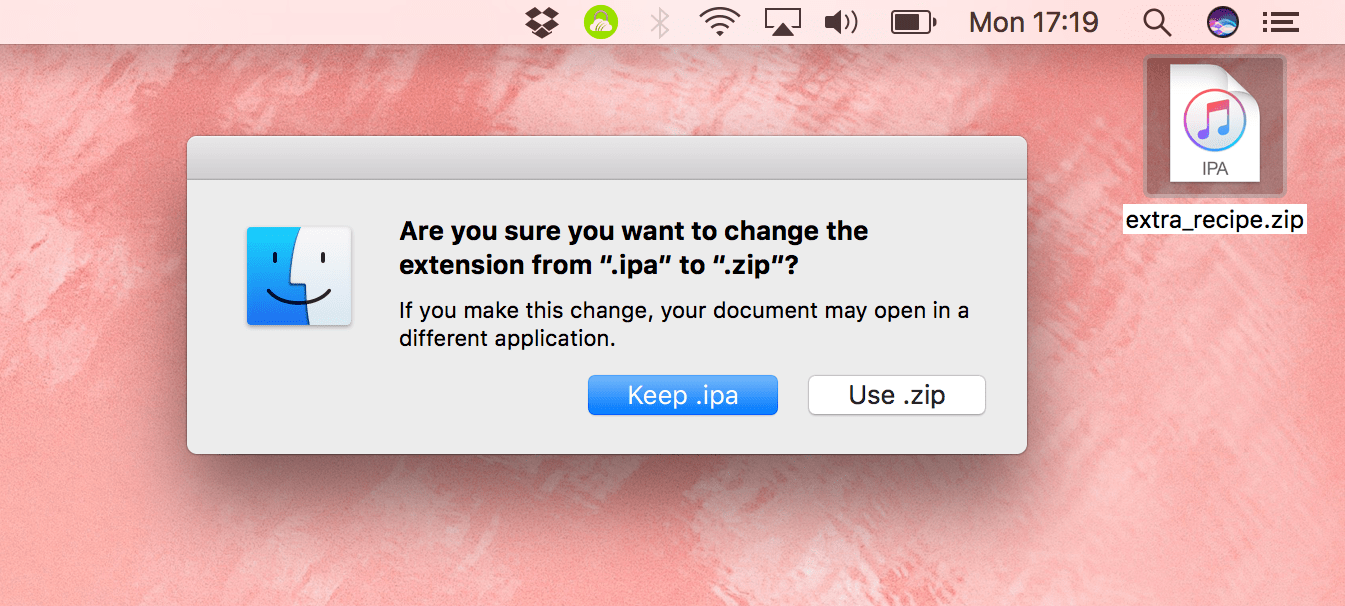
3) Double-click the .zip file to unarchive it. A folder named Payload will appear.
4) Open the Payload folder and look inside for the jailbreak app (yalu102.app or extra_recipe.app).
5) Right-click the app, and select Show Package Contents.
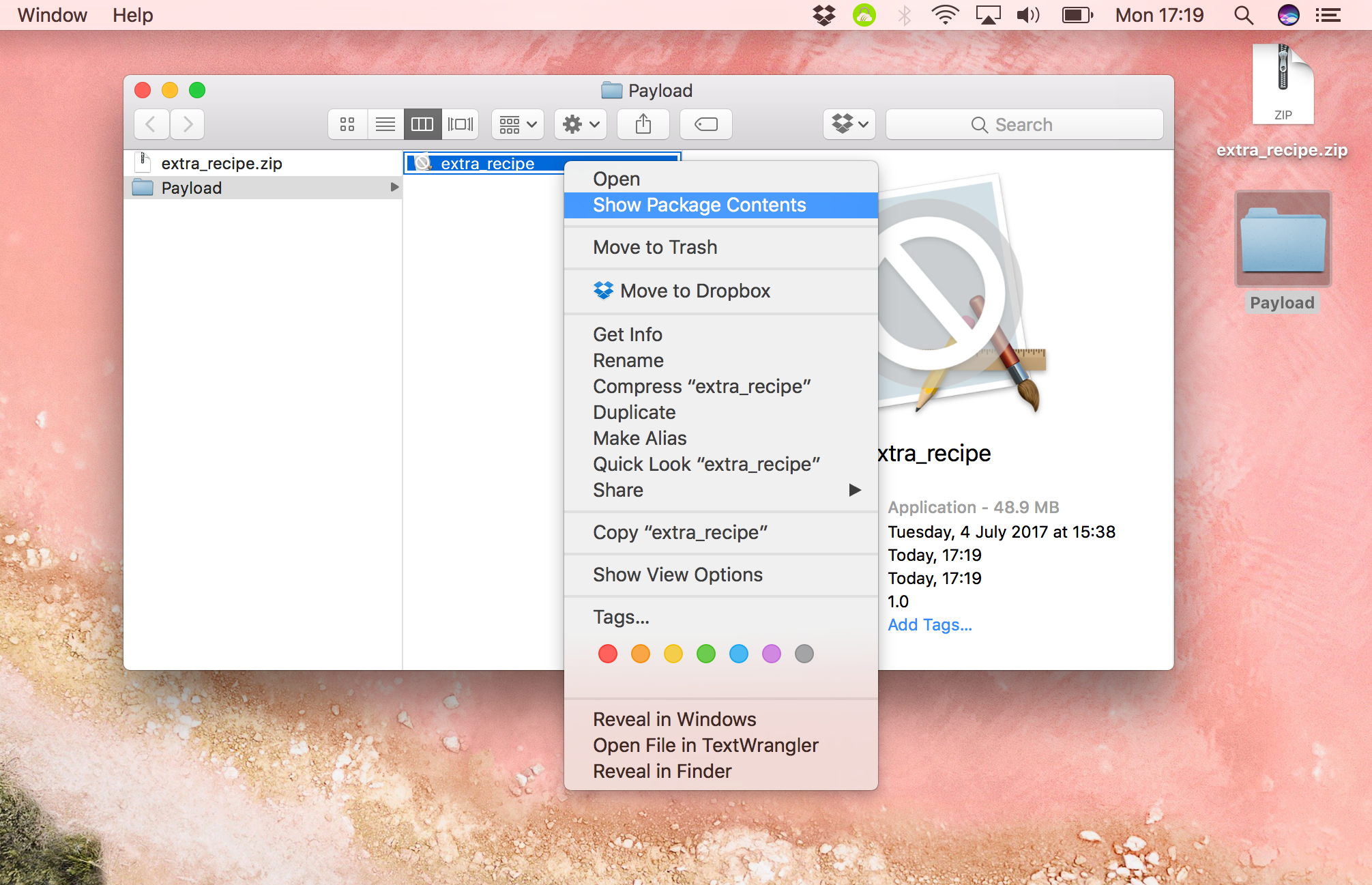
6) Once inside you will see a list of files, the contents of the jailbreak app. This is where we will put our icon file.
7) Find an image of your choice, in .png format. It’s probably best to find one already made for iOS, so the file size and dimensions are correct, but feel free to experiment with your own images if you like.
8) Rename your image to icon.png and place it loose into the jailbreak app folder that we opened in Step 5-6.
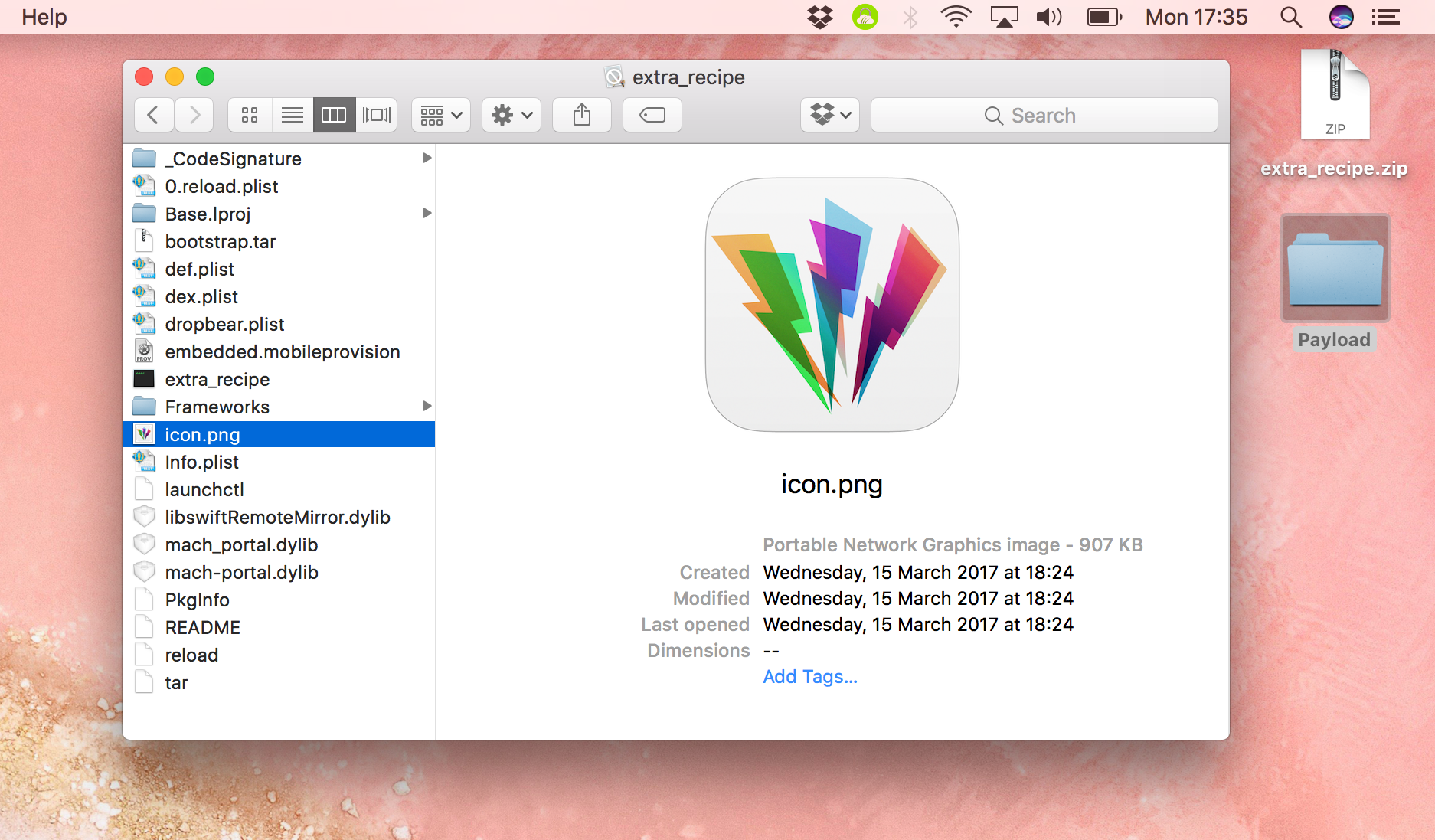
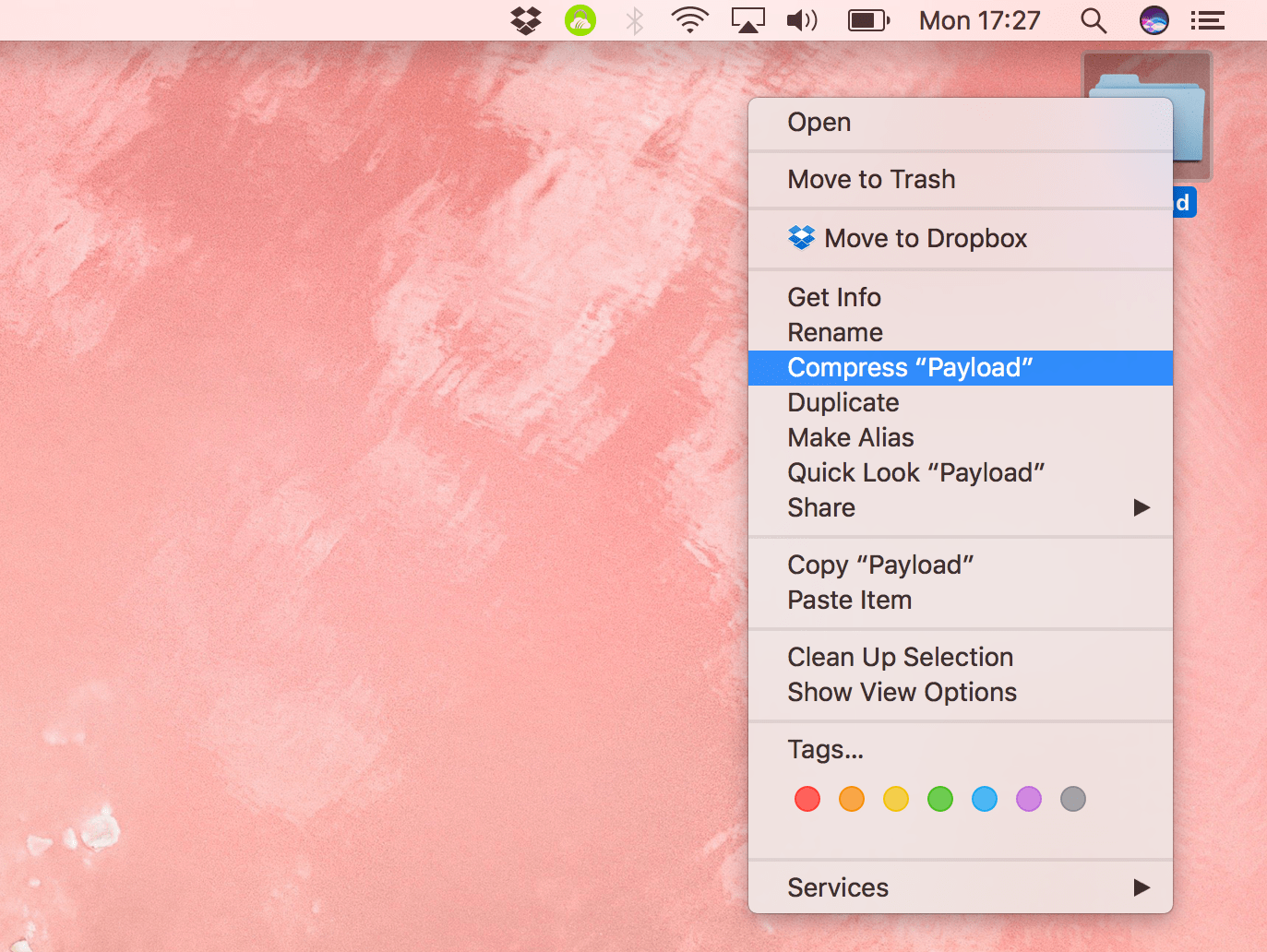
9) Now select your Payload folder once more, and right-click it. Select Compress “Payload” to zip it up again.
10) Select the resulting Payload.zip and rename it again, to APP_NAME.ipa. When asked to confirm, select Use .ipa.
11) And there you have it! Your jailbreak app is zipped up with its icon inside. You can now sideload it to your device again with Cydia Impactor. If you had your jailbreak app configured to re-sign itself with Ext3nder or Extender: Reloaded, you will need to set that up again.
If your app still has no icon, ensure you named it correctly in Step 8. Make sure it’s a .png file. If it still isn’t working, the dimensions of the image may be incorrect, or it may have the wrong layers. Some online research, some tinkering, or a different image will usually serve to fix this.
Source: iDB










