 TUTORIALS
How to Switch Your Jailbreak From mach_portal or Yalu to extra_recipe?
 06/23/2017
 8473
8473
If you’re currently jailbroken with mach_portal for iOS 10.1(.1), you should switch over to the new extra_recipe jailbreak. It uses a different exploit from mach_portal, and boasts better stability. iPhone 7(+) users on iOS 10.0.0-10.0.3 can also get in on the fun, and some users of Yalu for 10.0.1-10.2 can make use of extra_recipe if they wish too. Follow our guide to see how to go about it.

Requirements:
All iPhone 7 and iPhone 7 Plus users on iOS 10.0.0-10.1.1 should switch to extra_recipe. That’s everyone who was previously using mach_portal, plus those who weren’t covered by mach_portal on iOS 10.0-10.0.x. If you’re on iOS 10.1 or iOS 10.1.1, simply follow this guide.
Instructions:
1) Reboot your device so that it is in an unjailbroken state.
2) Press and hold on the mach_portal (or Yalu) jailbreak icon until it begins to wiggle, then touch the cross to delete it.
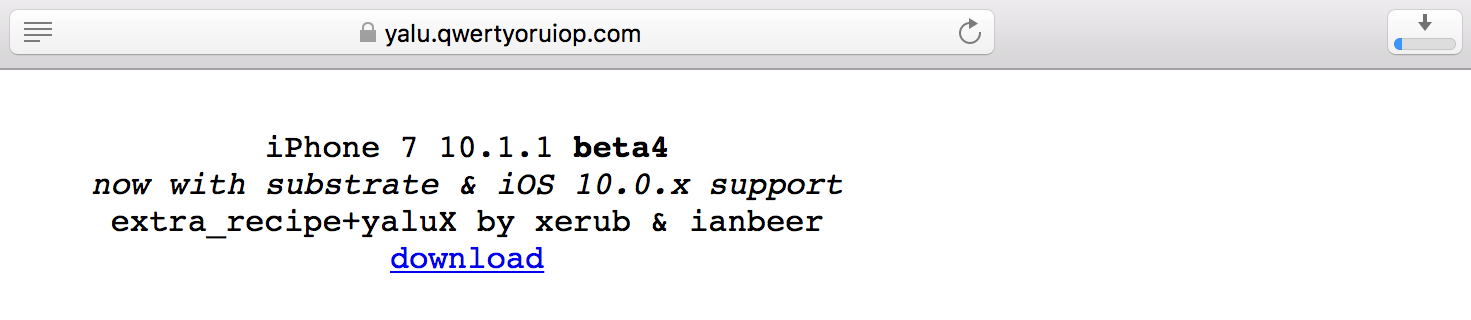
3) Head to Luca Todesco’s site and download an extra_recipe .ipa to use. If you’re using an .ipa that you’ve compiled yourself from the GitHub page (to get newer features or for devices not supported by Todesco’s .ipa), skip this step.
4) Connect your device to your computer, and launch Cydia Impactor.
5) Check that your connected device is showing in Impactor, then drag your extra_recipe .ipa onto the Impactor window to push it to your device.
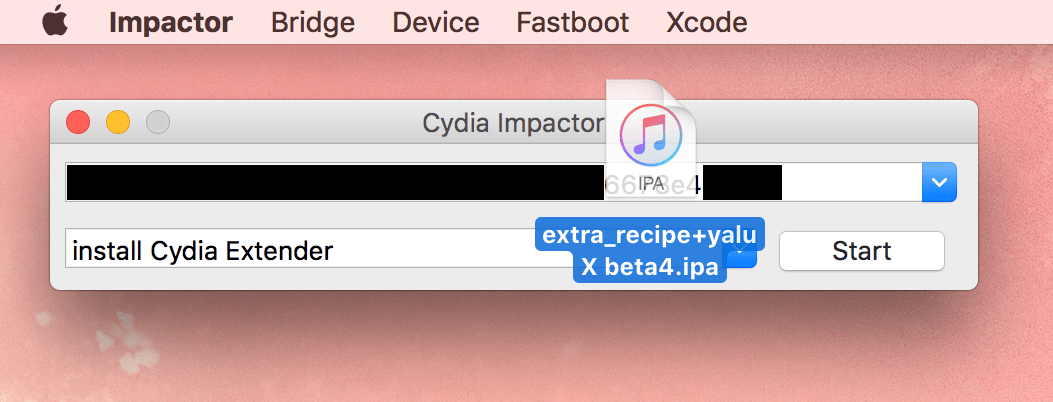
6) Enter your Apple ID and password to complete the process.
7) Once pushed to your device, the extra_recipe icon should appear on your home screen.
8) Launch the Settings app on your device, and navigate to General, Profiles & Device Management. Select the account details which you used to push the extra_recipe app to your device with Impactor, then hit Trust to authorise the app to run.
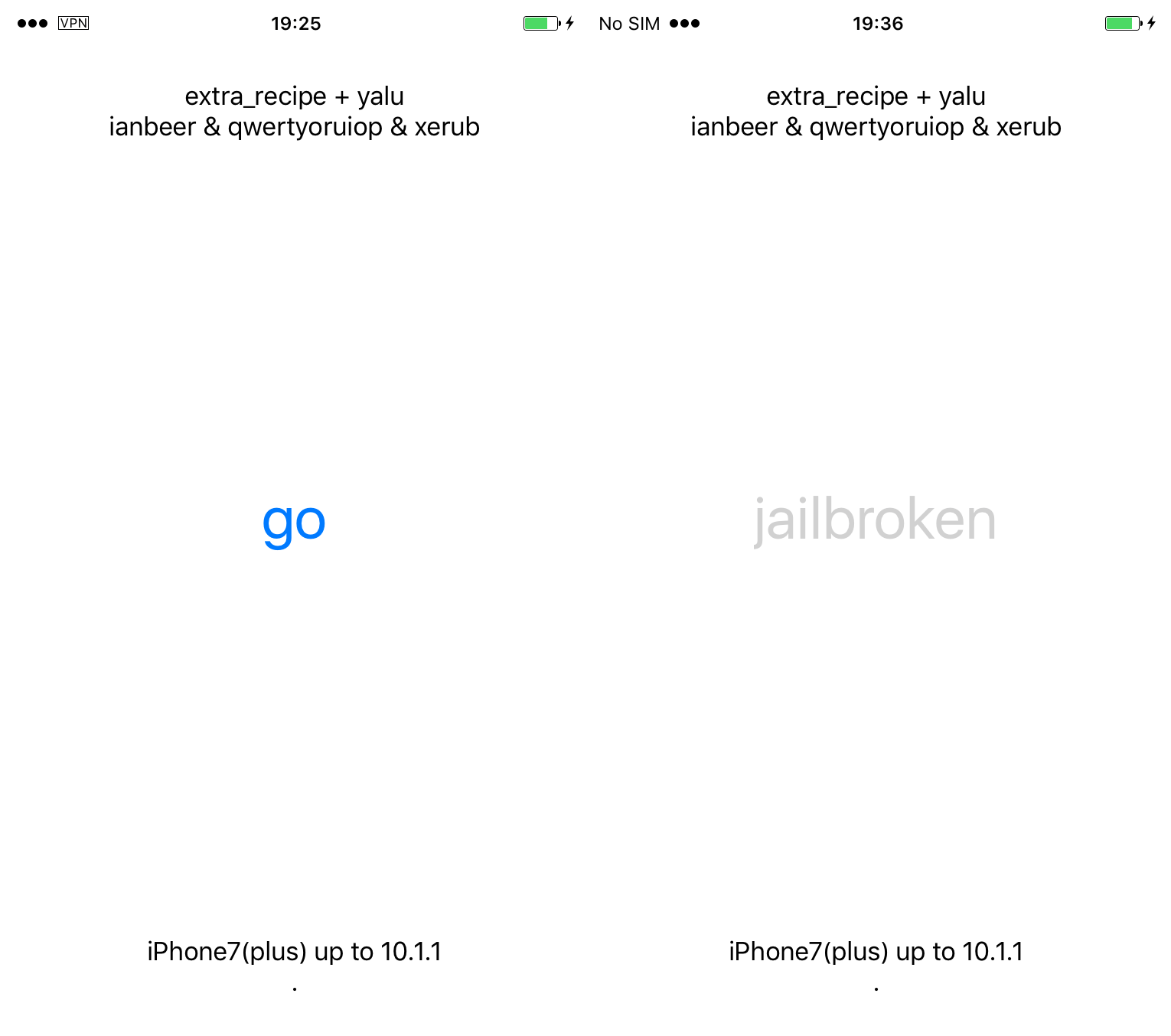
9) You can now launch the extra_recipe application. Press the Go button to jailbreak. If it fails, simply keep re-trying.
And that’s all there is to it! You are now jailbroken with extra_recipe, and mach_portal is a thing of the past.
Source: idownloadblog









