 NEWS
NEWS
Why Apple Wants to Put Tiny Holes in Your iPhone’s Display
 05/20/2019
 3306
3306
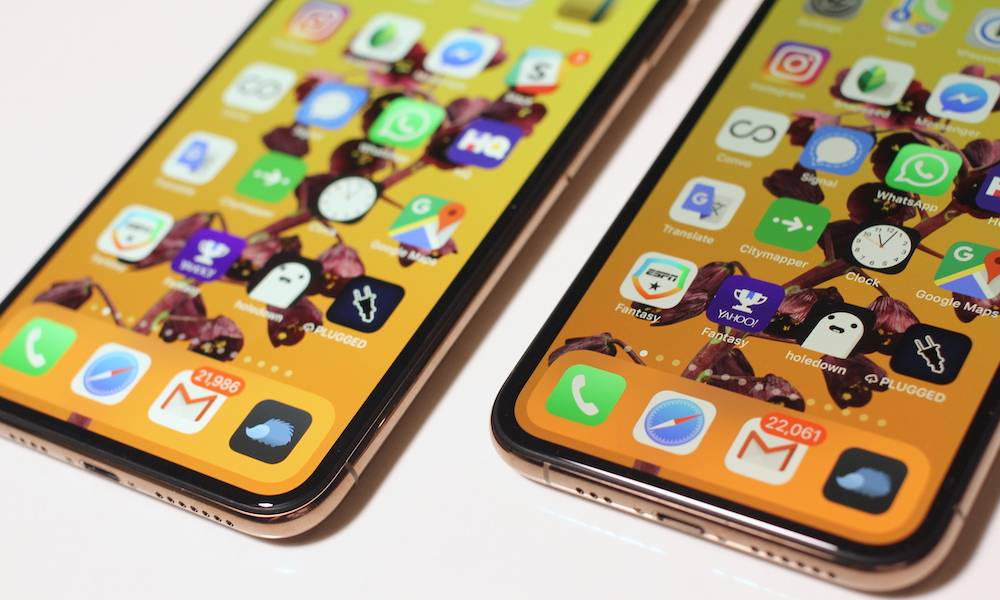
For a company that has supposedly been all-in on Face ID from the beginning, Apple has certainly spent a lot of time figuring out how to implement an under-display fingerprint reader.
This week, the U.S. Patent and Trademark Office published yet another Apple patent application detailing a way to have fingerprint-based authentication on a device with no visiblefingerprint reader. Here’s what you should know (and what the tech could mean for future iPhones).
The patent, in the simplest terms possible, describes an array of tiny pinholes in a display panel. These pinholes would be invisible to the end user, but would allow for light to pass through the screen and display panel to a suite of optical sensors below.
Apple’s system would then shine a light on a user’s fingerprint and use the reflected light to produce a fingerprint image that could be analyzed for authentication.
That sounds simple enough, but it actually takes some clever engineering to work properly.
For example, there needs to be a relatively large number of holes for the system to work. But those holes also need to be spaced out between individual pixels on a display panel so they aren’t visible to the user. The system also describes various light source methods besides the display itself, including infrared or ultraviolet lights.
And pinholes are rather small, so it means that there needs to be quite a few of them for the system to even produce an image that a fingerprint authentication platform can use.
This is far from the first in-display fingerprint reading technology that Apple has patented. But it is a fairly unique solution to the problem of not having a physical fingerprint reader.
Apple has looked into other solutions that could do away with that particular issue, including acoustic transducers that could reproduce an image of the ridges on a finger by vibrating the display.
It’s worth noting that several of Apple’s in-display fingerprint readers focus on platforms that can essentially turn the entire display into a fingerprint reader. That’s unlike rival systems that only allocate a set portion of the total screen real estate for fingerprint authentication.
Does this mean that Apple is going to bring Touch ID back to its lineup of smartphones? Not necessarily.
For one, it’s highly unlikely that Apple is going to replace Face ID on its devices. A more likely scenario would be the addition of in-display fingerprint technology as a complementary system to facial recognition. In fact, Apple has filed patents that depict a dual authentication system.
Source: idropnews











